YouTube SEO for Beginners: A Small-Team Guide to Searchable Videos
YouTube SEO for beginners helps small teams create searchable videos with better titles, descriptions, chapters, thumbnails, and repeatable workflows.
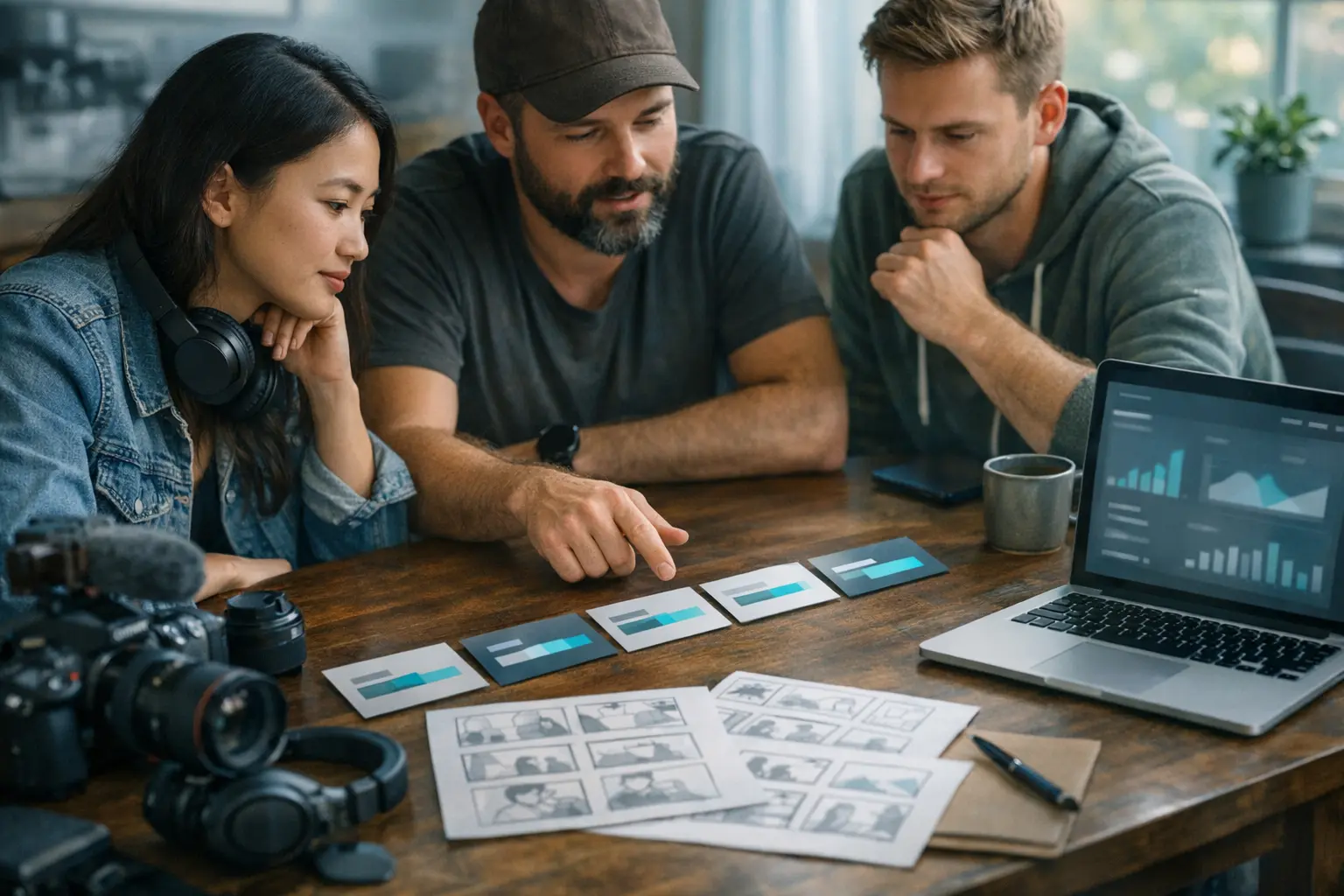
YouTube SEO for beginners is not about becoming a full-time YouTuber or buying a stack of video growth tools. For a small team, YouTube SEO for beginners means turning useful ideas into videos that people can find when they search YouTube for a question, comparison, tutorial, or explanation.
That makes YouTube different from a purely social feed. A good YouTube video can keep answering a question long after the publish date. It can support your website content, give buyers a deeper explanation, and become part of your wider social media SEO system.
If you still need the mechanics of publishing and timing, start with the YouTube scheduling guide or the YouTube upload schedule guide. This article focuses on search discoverability: how people find the video after it exists.
YouTube SEO for Beginners Starts Before Recording
YouTube SEO for beginners starts with the video idea. A searchable video should answer one intent clearly. That intent might be a tutorial, beginner guide, comparison, troubleshooting question, or strategic explanation. If the idea is vague before recording, the title and description will usually be vague after upload.
A small-team brief should answer four questions:
- What would someone search to find this video?
- What promise does the video make in the first few seconds?
- What proof or example keeps the viewer watching?
- What should the viewer understand by the end?
This is where YouTube differs from TikTok. TikTok SEO often compresses the answer into a short, fast asset. The TikTok SEO guide explains that short-form search layer. YouTube gives you more room to structure a topic, but that extra room creates a risk: wandering. Search-focused YouTube videos still need a tight promise.
YouTube Help describes titles, descriptions, thumbnails, and playlists as metadata and presentation elements creators can manage for videos: YouTube Help on video settings. The practical lesson is that YouTube SEO is not one field. It is the alignment of the idea, packaging, and content.
YouTube SEO for Beginners: Titles That Match Intent
The title is the strongest promise a YouTube video makes. For YouTube SEO for beginners, a good title should be specific enough to match search intent and clear enough to earn the click.
A weak title says, “Our content workflow.” A stronger title says, “How to Plan a Month of YouTube Shorts in One Afternoon.” The second title tells the searcher what problem the video solves, what format it covers, and why it may be worth watching.
For small teams, title writing should follow a decision tree:
- If the video teaches a process, use “how to” language.
- If it compares approaches, name both approaches.
- If it helps beginners, say so without overpromising.
- If it solves a narrow problem, keep the narrow phrase visible.
- If the brand is not the search intent, do not lead with the brand.
The title should also match the video. A clickbait title may improve initial curiosity, but it can hurt satisfaction if viewers leave quickly. YouTube SEO is not just getting the click. It is earning watch behavior that confirms the video delivered what the title promised.
Descriptions, Chapters, and Captions Make Videos Easier to Understand
Descriptions are often underused by small teams. A useful YouTube description should state the video topic, summarize what the viewer will learn, include relevant terms naturally, and point to credible next steps. It should not be a keyword dump.
Chapters help both viewers and search systems understand the structure. A video about YouTube SEO for beginners might include chapters for topic research, titles, thumbnails, descriptions, chapters, and measurement. Even if someone does not watch the whole video, chapters can help them find the section that answers their question.
Captions and transcripts can also support accessibility and clarity. If the spoken content is clear and the caption file reflects it accurately, the video gives YouTube and viewers more understandable text around the topic.
A practical description template looks like this:
- One sentence naming the problem.
- One sentence promising the outcome.
- A short list of sections or takeaways.
- One contextual internal link if the viewer needs a related guide.
- A soft call to evaluate the workflow, not a hard sales push.
The goal is not to make descriptions long for their own sake. The goal is to make the video easier to classify, scan, and trust.
Thumbnails Are Search Signals for Humans
A thumbnail is not a technical SEO field, but it strongly affects whether a searcher chooses your result. For YouTube SEO for beginners, think of thumbnails as visual title support. They should confirm the topic quickly.
A small-team thumbnail does not need expensive design. It needs clarity. Use readable contrast, a visual that fits the topic, and a short phrase that complements the title rather than repeating it word for word.
For example, if the title is “YouTube SEO for Beginners: 7 Fixes Before You Publish,” the thumbnail might say “Before You Upload” with a clean checklist visual. The title carries the search phrase. The thumbnail reinforces urgency and usefulness without adding clutter.
Avoid thumbnails that promise drama the video does not deliver. Search viewers are task-oriented. They came to solve something. A thumbnail that looks exciting but unclear may lose to a simpler result that looks more useful.
A YouTube SEO Workflow Without TubeBuddy or vidIQ
Paid tools can be useful, but YouTube SEO for beginners should not depend on them. A small team can begin with YouTube itself.
Start with YouTube autocomplete. Type your seed phrase and capture the suggestions that match your audience. Then watch a few top results for the phrase. Do not copy them. Look for the format searchers seem to reward: tutorial, checklist, comparison, explainer, or case walkthrough.
Next, map the video to your existing content library. A blog article may become one YouTube explainer, two Shorts, and one community post. The multi-channel online presence guide covers that broader presence thinking. For YouTube SEO, the question is which video should become the searchable anchor.
Then write the title and opening before recording. If you cannot write a clear title, the topic is probably not focused enough. The opening should repeat the promise quickly so viewers know they found the right result.
After publishing, use YouTube Studio to review impressions, click-through patterns, retention, search terms when available, and viewer comments. The first version of a video library rarely has perfect packaging. Review is part of the YouTube SEO workflow.
How YouTube SEO Supports Multi-Channel Discoverability
YouTube SEO for beginners works best when it is connected to your broader discovery system. A searchable YouTube video can become the deep answer that supports shorter assets elsewhere.
A TikTok can answer the quick version of a question. A YouTube video can explain the full process. A Reddit comment can reference the concept without dropping a link. A Pinterest pin can point visually to the guide. A website article can provide the text version. The surfaces should reinforce each other without duplicating the exact same asset.
This is where small teams often gain leverage. You do not need a separate idea for every platform. You need one useful idea translated for each discovery surface. YouTube is often the depth layer because it can carry nuance, examples, and repeatable playlists.
The distinction with scheduling still matters. The YouTube scheduling guide helps you publish reliably. YouTube SEO helps the video keep working after it is live.
YouTube SEO Mistakes Beginners Should Avoid
The first mistake is targeting generic YouTube SEO topics that are too broad for your channel. “Marketing tips” is weaker than “how to plan YouTube videos for a two-person marketing team.” Specificity helps the right viewer find you.
The second mistake is writing the title after the video is done. If the video was not built around a search intent, the title has to rescue a vague asset. Write the title early.
The third mistake is ignoring the first minute. Searchers decide quickly whether a video matches their question. Long intros, brand monologues, and vague setup can weaken retention before the useful content begins.
The fourth mistake is measuring only views. A smaller video that attracts the right searcher, earns saves, drives comments, and supports a buyer journey may be more valuable than a larger video with weak intent.
A Practical Next Step for YouTube SEO for Beginners
Choose one topic your team already explains repeatedly. Turn it into a YouTube search brief: target phrase, viewer question, title, opening promise, chapters, description, and thumbnail concept. Then publish it on a schedule you can maintain.
After two to four weeks, review the packaging. Did the title match the content? Did viewers stay through the answer? Did comments reveal a follow-up question? Did the video create a reusable asset for TikTok, Reddit, Pinterest, or your blog?
YouTube SEO for beginners is less about secret ranking tricks and more about disciplined clarity. When a small team turns real expertise into searchable video, YouTube can become one of the strongest long-term assets in a multi-channel discoverability system.
Frequently Asked Questions
What is YouTube SEO for beginners?
YouTube SEO for beginners is the practice of making videos easier to find in YouTube search by using clear topics, searchable titles, useful descriptions, chapters, captions, thumbnails, and consistent audience-focused publishing.
Is YouTube SEO different from TikTok SEO?
Yes. TikTok search often rewards fast, short-form answers, while YouTube search gives more room for depth, titles, descriptions, chapters, playlists, and long-term video libraries.
Do small teams need paid YouTube SEO tools?
Not at the beginning. A small team can improve YouTube SEO with YouTube autocomplete, competitor review, YouTube Studio data, clear titles, useful descriptions, and topic-specific video planning.
How long should YouTube videos be for SEO?
Length should fit the search intent. A beginner tutorial may need more depth than a quick answer, but the video should stay focused and avoid padding just to become longer.
What should small teams optimize first on YouTube?
Start with the video idea, title, opening promise, description, chapter structure, thumbnail clarity, and a repeatable review process in YouTube Studio.