Descript for Creators in 2026 – Edit Audio and Video Faster
See how Descript helps creators edit podcasts and videos like a document, then repurpose clips across platforms with BrandGhost.
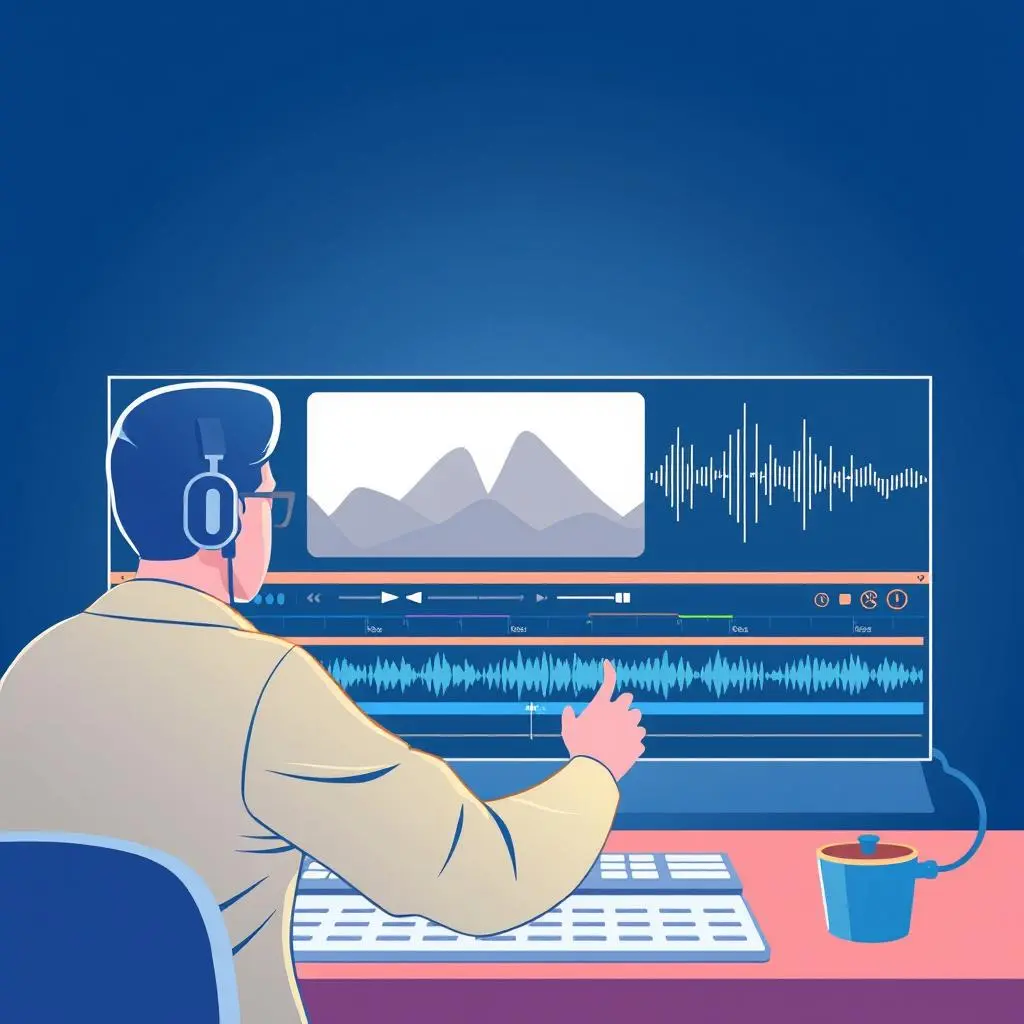
Why Descript fits creator workflows in 2026
If you record podcasts, interviews, webinars, or talking-head videos, traditional editors can be overkill. They are powerful, but they often slow down solo creators.
Descript takes a different approach:
- You get an automatic transcript
- You edit your content by editing text
- You can remove filler words and silence in bulk
For creators who are more comfortable writing than cutting timelines, this is a huge unlock.
Turn long-form recordings into clip libraries
One of the best ways to use Descript in 2026 is to think in terms of record once, clip many.
A simple flow looks like:
- Record a long-form conversation, solo episode, or workshop
- Bring the recording into Descript and let it transcribe
- Highlight key moments and turn them into individual clips
- Export those clips in vertical or horizontal formats as needed
This gives you a library of assets that can live as:
- TikTok or Reels clips
- YouTube Shorts
- LinkedIn native videos
Handing those clips off to BrandGhost
Once your clips are exported, you do not want them sitting in a folder. This is where BrandGhost becomes the second half of the workflow.
You can:
- Group related clips into a mini-series or topic stream
- Schedule them across multiple platforms over several weeks
- Mix them with carousels and text posts for variety
BrandGhost’s social media automation layer helps you:
- Avoid dumping all your best clips in one week
- Bring back strong evergreen moments later
- Keep a consistent publishing tempo without daily manual uploads
For a broader look at how Descript fits into a 2026 creator stack, see the overview article Top 5 Creator Tools You Need in 2026.
Make editing part of a sustainable content system
Descript alone will not fix inconsistency. It shines when embedded into a larger system:
- Plan topics and scripts in Notion
- Record in batches (audio or video)
- Edit and clip in Descript
- Schedule and repurpose in BrandGhost
This turns your recording sessions into an engine for evergreen content instead of one-off videos that are never reused.
When Descript is worth adding to your stack
Descript is most valuable when:
- You are already creating long-form content
- You want to repurpose that content into clips
- You are tired of wrestling with traditional editing software
If you are just starting out, you can begin with simpler mobile editors, then graduate to Descript once you are regularly recording.