How to Schedule Pinterest Pins for Free in 2026
Learn how to schedule Pinterest pins for free using native tools and no-cost methods. Complete guide to Pinterest scheduling without paid subscriptions.
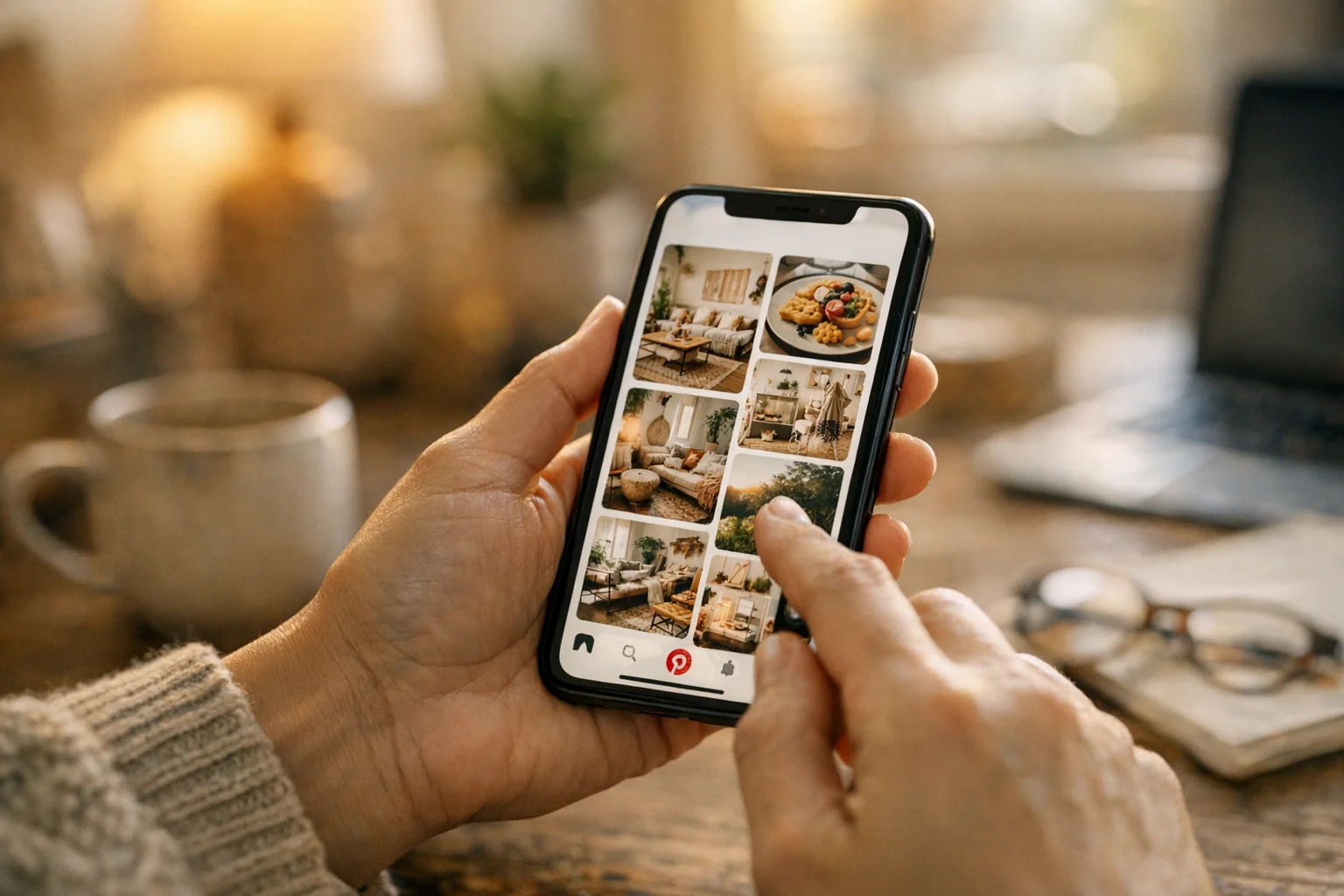
You don’t need a paid subscription to schedule Pinterest pins for free. Pinterest’s native scheduling, combined with strategic workflows, lets you plan and automate your Pinterest presence without spending money on third-party tools.
This guide covers every free method for scheduling pins, maximizing Pinterest’s built-in features, and working around limitations when they arise.
Pinterest’s Native Scheduling: The Free Option
Pinterest offers built-in scheduling for all business accounts at no cost whatsoever. This native feature provides everything you need to get started with scheduled pins.
Enabling native scheduling requires only a business account. If you haven’t already converted, visit business.pinterest.com to make the switch—it’s completely free. Once you have a business account, verify your website for full feature access. When creating pins, you simply select “Publish at a later date” instead of publishing immediately. That’s the complete setup: no subscription, no credit card, no third-party tools required.
Pinterest’s native scheduling lets you queue up to 10 pins waiting to publish at any time and plan posts up to 30 days in advance. You can edit scheduled pins to modify titles, descriptions, links, and board assignments before they go live. Your profile shows all scheduled pins so you can review what’s coming, and you control exactly when each pin publishes by selecting specific dates and times.
The step-by-step process is straightforward. Click Create in your Pinterest business account and select Create Pin. Upload your image or video, then add your pin title, description, and destination URL. Select the destination board for your pin. Instead of clicking “Publish now,” select “Publish at a later date” and choose your desired date and time. Click Publish and your pin enters the scheduling queue to post automatically at the specified time.
To check your scheduled pins, visit your Pinterest profile where scheduled pins appear above your published content. Click any scheduled pin to edit its details or delete it from the queue if your plans change.
Maximizing the 10-Pin Limit
The 10-pin limit on your scheduling queue represents the main constraint of the free approach. Understanding how to work within this limit makes free scheduling viable for consistent Pinterest presence.
Strategic scheduling rotation treats your 10-pin limit as a rolling window rather than a fixed batch. Since you can only have 10 pins queued at once, schedule 2-3 pins to post tomorrow and as they publish, add 2-3 more for the following days. For example, on Monday morning you might have 10 pins scheduled for Monday through Wednesday. As those pins publish on Monday and Tuesday, you add new pins for Thursday through Saturday. Continue this rotation throughout the week to maintain consistent posting without ever hitting the limit.
Batch creation with staggered scheduling separates your creative work from your scheduling work. Design 20-30 pins in a focused batch creation session and save them locally or in a cloud folder. Then schedule only what fits in your 10-pin limit at any given time. Return daily or every few days to schedule more from your backlog. This approach batches the creative work while spreading the scheduling incrementally.
Time-blocking for scheduling builds the habit into your routine. A daily approach takes about 5 minutes each morning to schedule 2-3 pins and top up your queue. An every-other-day approach takes 10 minutes every 2 days. A weekly approach requires 15-20 minutes once per week, scheduling the full 10 pins strategically. Choose whichever rhythm fits your workflow and maintain it consistently.
Free RSS Auto-Publishing
Pinterest’s RSS feature automatically creates pins from your blog or website without any manual intervention—completely free and truly hands-off once configured.
When you connect an RSS feed, Pinterest monitors your feed for new content. When new posts publish on your site, Pinterest automatically creates pins from them with images pulled from your posts and links pointing back to your content. This represents genuine automation requiring zero ongoing manual work from you.
Setting up RSS publishing involves going to your Pinterest business settings and navigating to the Claim or Auto-publish section. Add your RSS feed URL, select which board receives auto-published pins, and save your settings. From that point forward, new blog posts or content automatically become Pinterest pins.
Optimizing RSS auto-publishing makes the feature work better for your Pinterest strategy. Since Pinterest pulls images from your posts, ensure your featured images work as vertical pins or include Pinterest-optimized images within your posts. Your post’s meta description often becomes the pin description, so write it with Pinterest users in mind. Auto-published pins go to a single board, so select one that broadly matches your overall content theme. This approach works especially well for bloggers with consistent publishing schedules.
Free Tool Alternatives
Several scheduling tools offer free tiers that expand capabilities beyond Pinterest’s native scheduling, though these tiers come with meaningful limitations.
Most free scheduler tiers restrict capacity significantly. You’ll typically find limited numbers of scheduled posts, single account connections only, basic or no analytics, and possibly watermarks or tool branding on your content. These free tiers work well for testing tools or supporting very light use, but significant Pinterest activity usually requires upgrading to paid plans.
When evaluating free tiers, consider whether the limits actually work for your needs—if you need 5 scheduled pins and the free tier offers 10, you’re covered, but if you need 50, the free tier won’t help. Understand what happens when you exceed limits: some tools queue excess pins for later while others refuse them entirely. Check whether the features you need are included, as free tiers often exclude capabilities like analytics or bulk upload. Finally, consider whether the paid tier represents an affordable future path if your needs grow.
Honest assessment reveals that if Pinterest is a serious marketing channel for you, truly free options have meaningful constraints. Native scheduling works perfectly for light use, but scaling Pinterest marketing typically requires investing in tools. The same trade-offs apply to free Instagram scheduling approaches—evaluate realistically what “free” actually provides for your specific needs.
Workarounds for Free Scheduling Limits
Several strategies help you stay effective within free constraints, maximizing what you accomplish without paying for premium tools.
Content recycling strategy multiplies your effective content without multiplying creation time. Pinterest rewards fresh pins, but “fresh” means new images rather than entirely new content. Create multiple pin designs for the same underlying content. Rotate which version you schedule at any given time. Reuse older pin designs after sufficient time passes—typically 60-90 days. This approach lets you fill your scheduled queue with “fresh” content without creating entirely new material constantly.
Strategic board distribution maximizes each scheduled pin by extending its reach across multiple boards. Schedule a pin to your primary board using one of your 10 slots. When that pin publishes, manually pin it to relevant group boards you’re part of. Later, add it to additional relevant boards you manage. This extends each pin’s visibility without consuming additional scheduled slots.
Peak time focus ensures your limited slots deliver maximum impact. Focus your scheduled pins during best posting times when your audience is most active. Use manual posting during convenient but less optimal times when you happen to be online anyway. Reserve your scheduled slots specifically for times you can’t be online, like evenings or weekends outside your normal hours.
A hybrid approach combines scheduled and manual pinning for broader coverage. Schedule pins during evenings, weekends, and times you’re genuinely unavailable. Post manually during your natural online time, work breaks, or casual browsing moments. This extends your posting capacity well beyond 10 scheduled pins while maintaining coverage during off-hours.
Free Analytics to Inform Scheduling
Pinterest Analytics comes completely free with every business account, and using it makes your limited scheduled pins far more effective.
Pinterest Analytics shows impressions measuring how often your pins appear in feeds and search, engagement tracking saves and clicks and close-ups, outbound clicks counting traffic to your website, audience demographics revealing who follows and engages with you, and top-performing pins identifying your most successful content.
Apply these free analytics to optimize your 10-pin limit strategically. Identify your best times by examining when your audience is most active—schedule pins for those windows. Find winning formats by seeing which pin styles drive the most engagement and create more of those. Optimize descriptions by tracking which language choices lead to clicks. Double down on success by scheduling more of what performs well and less of what underperforms. Free analytics create a multiplier effect, making your free scheduling more effective than it would be through guesswork.
Building a Free Pinterest System
Here’s a complete system using only free tools that requires zero ongoing subscription costs.
Phase 1 covers one-time setup work. Convert to a Pinterest business account at no cost. Verify your website for full feature access. Set up Pinterest Analytics access. Connect your blog RSS feed for automatic publishing. Create template pin designs in Canva’s free tier or similar free design tools. This foundation enables everything that follows.
Phase 2 establishes your weekly workflow. Dedicate 30-60 minutes to a creation session where you design 10-15 pins using free design tools, write descriptions and prepare destination links, then save pins to your computer or cloud storage. Add daily scheduling taking about 5 minutes to check your scheduled pin queue, schedule 2-3 pins for the next day or two, and add new pins from your backlog as scheduled ones publish.
Phase 3 adds monthly optimization. Review Pinterest Analytics for performance patterns. Identify best-performing content candidates for recycling. Adjust timing based on engagement data you’ve gathered. Plan upcoming seasonal content to stay ahead of trends.
The tools in this free system cost nothing at all. Pinterest native scheduling handles timed publishing. Pinterest RSS manages auto-publishing from your blog. Canva’s free tier provides pin design capability. Pinterest Analytics delivers performance data. Google Drive or Dropbox free tiers store your pin files. Google Sheets or Calendar handles planning and organization. Total ongoing cost: zero.
| Function | Free Tool |
|---|---|
| Scheduling | Pinterest native |
| Auto-publishing | Pinterest RSS |
| Design | Canva free tier |
| Analytics | Pinterest Analytics |
| Storage | Google Drive / Dropbox free |
| Planning | Google Sheets / Calendar |
When to Consider Paid Options
Free scheduling works, but has real limits. Recognizing when to transition to paid tools prevents frustration and wasted time.
Consider paid tools when volume exceeds capacity and you consistently need more than 10 scheduled pins. Consider them when time becomes valuable and the manual rotation of the free approach takes more time than a tool subscription would cost. Consider them when specific features like bulk upload, smart scheduling, or team access would significantly help your workflow. Consider them when Pinterest becomes a primary marketing channel deserving proper tooling investment.
The transition typically makes sense when your Pinterest strategy matures beyond hobbyist level into a meaningful business or marketing activity. At that point, the time savings and additional features justify the subscription cost.
Free Scheduling for Specific Situations
Different use cases work differently with free scheduling, so honest assessment of your situation helps you choose the right approach.
For bloggers, free scheduling works quite well. RSS auto-publishing handles new content automatically without any intervention. Scheduled and manual pins cover rotation of older evergreen content. The 10-pin limit usually provides sufficient capacity for blog-focused Pinterest strategies where you’re primarily driving traffic to a reasonable number of posts.
For small businesses, free scheduling is often workable. Native scheduling covers basic product and content pins. Manual posting supplements during business hours when someone is available. Free analytics guide optimization efforts without additional cost. The constraint comes when you have extensive product catalogs or need team coordination.
For creators and influencers, free scheduling becomes more constrained. High-volume posting needs may exceed free capacity quickly. Managing multiple accounts isn’t possible with free tools. Many creators grow into needing paid tools fairly quickly as their audience and content demands scale.
For side projects and hobbyists, free options represent the ideal scenario. Free scheduling covers casual Pinterest use perfectly without unnecessary expense. There’s no need to pay when volume is low and Pinterest is supplementary rather than central. Upgrade only if the project scales to justify investment.
Frequently Asked Questions
Is Pinterest scheduling really free?
Yes, genuinely and completely. Pinterest business accounts include native scheduling at no cost, allowing 10 pins scheduled up to 30 days in advance. No payment information or credit card is ever required for this feature.
Can I schedule more than 10 pins for free?
Not simultaneously. You can only have 10 pins in the scheduled queue at any given time. The workaround involves adding new pins as scheduled ones publish, treating the limit as a rolling window rather than a fixed batch.
Are there any completely free third-party schedulers?
Some tools offer free tiers with limited functionality—typically restricted pin counts, single account connections, and basic features only. Truly unlimited free scheduling from third parties is rare since most companies monetize through paid tiers that remove restrictions.
How does RSS auto-publishing work?
Connect your blog's RSS feed to Pinterest in your account settings. When you publish new posts on your blog, Pinterest automatically creates pins linking to that content. This runs indefinitely without any manual intervention once configured.
Will free scheduling hurt my account?
No. Native scheduling is an official Pinterest feature built into the platform. Using it won't affect your account negatively in any way—Pinterest designed and encourages this functionality.
How do I decide when free isn't enough?
When the time you spend managing scheduling constraints exceeds the value of the money you'd spend on tools, paid options become worthwhile. For many users, that transition point arrives when consistent posting exceeds 5-10 pins daily and the manual rotation becomes tedious.
What's the best free design tool for Pinterest pins?
Canva's free tier works well for most Pinterest graphics. It includes vertical pin templates in the correct dimensions and provides sufficient design features for quality pin creation without requiring graphic design expertise. For a comprehensive look at all Pinterest scheduling methods, see our complete guide to scheduling Pinterest pins.