Schedule Content for Multiple Social Media Platforms: The Creator's Complete System
Learn how to schedule content for multiple social media platforms from a single workflow and save hours every week.
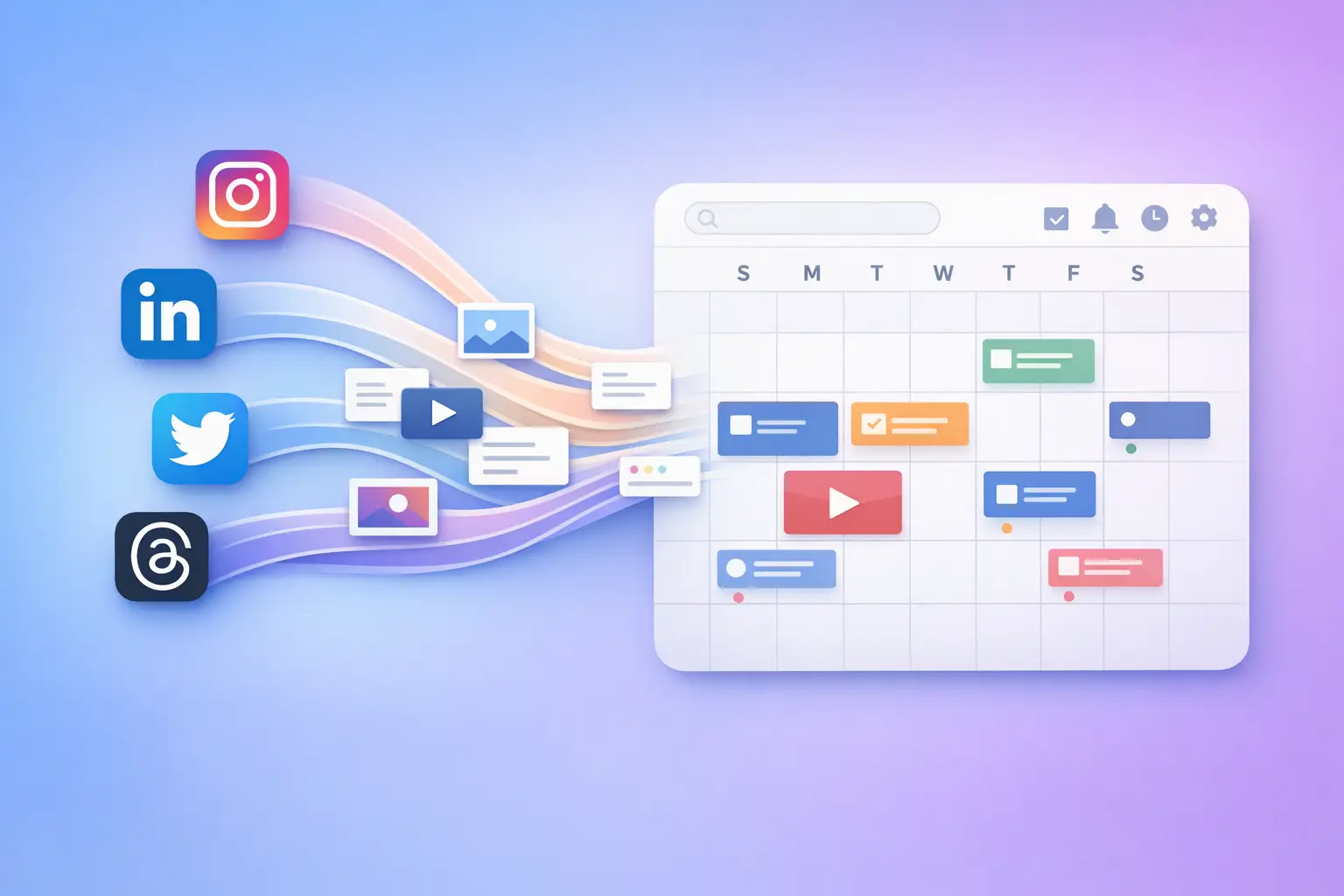
You already know you should be on more than one platform. The problem isn’t conviction, it’s execution. Logging into five apps, reformatting the same post for each one, and trying to keep a mental model of what went where and when is a recipe for burnout. If you want to schedule content for multiple social media platforms without it devouring your week, you need a system, not more willpower.
This guide gives you that system. From choosing which platforms deserve your time, to building a repeatable scheduling workflow, to the specific tools that collapse the whole process into a single session, everything here is built for creators who are done with tab-hopping and ready to ship consistently.
Why a Single Scheduling Workflow Beats Platform-by-Platform Posting
Posting to each platform individually is the default because it’s how every platform wants you to operate. They each have their own composer, their own media requirements, their own publishing flow. But running your content strategy inside each platform’s native tool creates three compounding problems:
- Context switching burns your best creative hours. Every time you switch from writing a LinkedIn post to tweaking a tweet to uploading a Reel, you pay a cognitive tax. That mental load stacks up across a week and leaves you feeling busy without being productive.
- Inconsistency becomes invisible. When you post from five separate dashboards, there’s no single view of your output. You might post three times on Twitter in a day and forget LinkedIn entirely — and you won’t notice until engagement drops.
- You can’t batch effectively. Batching — creating a week of posts in one session — is the single biggest time-saver for creators. But batching only works when your publishing step is unified. If you still have to visit each platform to schedule, you’ve batched the writing and fragmented the distribution.
A single scheduling workflow eliminates all three. You write once, adapt where needed, schedule everywhere, and move on. That’s the difference between working on your content and working inside your platforms.
Picking the Right Platforms for Your Scheduling System
Before you build a scheduling workflow, you need to decide which platforms belong in it. More isn’t always better. The goal is to be present where your audience actually engages, not to collect logos.
Here’s how to think about platform selection practically:
Start with your anchor platform. This is the one where you have the strongest existing audience, the best engagement, or the most natural content fit. Everything else in your system revolves around adapting content from this anchor. For most text-first creators, that’s Twitter/X or LinkedIn. For visual creators, it’s Instagram or TikTok.
Add platforms that share a content format. If your anchor is Twitter, Threads and Bluesky are near-zero friction additions — the format is essentially the same. If your anchor is Instagram, Pinterest and Facebook often work with similar visual assets. The closer the format overlap, the less adaptation work your scheduling system needs to handle.
Limit to 3–5 active platforms. Beyond five, the management overhead starts eating into the time savings. You can always expand later once your workflow is running smoothly. The creators who sustain multi-platform presence long-term are the ones who started focused and scaled gradually.
Evaluate based on reach, not habit. Some creators keep posting on a platform purely out of habit, even when the engagement has dried up. If a platform isn’t returning meaningful reach or community engagement, remove it from your scheduling system and reallocate that energy.
Once you’ve identified your platforms, your scheduling system has clear inputs. Everything downstream: content creation, formatting, timing, publishing, flows from this decision.
The Multi-Platform Scheduling Workflow: Step by Step
This is the operational core. A repeatable workflow you can run weekly (or twice a week if your volume demands it). Each step is designed to be completed in one sitting.
Step 1: Create Your Core Content
Start with ideas, not platforms. Write the core message of each post in its most natural form, whether that’s a long-form thought, a quick insight, or a visual concept. Don’t think about character limits or aspect ratios yet.
If you use topic streams or recurring content themes, pull from those. If you’re working from a content calendar, grab this week’s topics. The point is to separate ideation from formatting so you can stay in a creative flow.
Aim for 5–10 core content pieces per session. These are your “source posts”, everything else is an adaptation.
Step 2: Adapt for Each Platform
Now take each source post and create platform-specific versions. This doesn’t mean rewriting from scratch. It means making targeted adjustments:
- Character limits: Twitter/X caps at 280 characters (or longer with threads). LinkedIn gives you 3,000. Threads sits somewhere in between. If your source post is long, you’ll need to trim for short-form platforms or split into threads.
- Media requirements: Instagram requires images or video. Pinterest needs vertical pins. Twitter performs better with images attached. Know what each platform expects and prepare assets accordingly.
- Tone adjustments: LinkedIn tends to reward slightly more professional framing. Twitter rewards punchy, opinionated takes. Threads is more conversational. These shifts are subtle — usually a matter of adjusting the opening line, not rewriting the whole post.
This is where a tool with post splitting becomes essential. If you’re writing a 500-word thought piece, you need a way to automatically break it into a Twitter thread, keep it full-length for LinkedIn, and excerpt a hook for Instagram. Doing this manually across every post, every day, isn’t sustainable.
Step 3: Schedule Everything in One Session
With your adapted posts ready, schedule them all at once. The ideal workflow here is a single interface where you can see every platform’s queue, drag posts into time slots, and confirm that nothing overlaps or creates awkward gaps.
This is the step where most creators fall apart if they’re using platform-native tools. Scheduling a tweet inside Twitter, then switching to LinkedIn’s scheduler, then opening Meta Business Suite for Instagram — each one has its own queue, its own calendar, its own interface quirks. By the third platform, you’ve lost 30 minutes to logistics.
A unified scheduling tool collapses this into a few minutes. You pick the post, select the platforms, set the time, and move to the next one.
Step 4: Review Your Weekly View
Before you close your scheduling session, zoom out and look at the full week across all platforms. You’re checking for three things:
- Coverage gaps. Did you accidentally leave a platform empty on Wednesday? Fill it with an evergreen post or a repurposed piece from your library.
- Content variety. Are you posting the same type of content five days in a row? Mix in a question, a personal take, a resource share.
- Cross-platform coherence. Your audience on different platforms shouldn’t feel like they’re following different people. The messaging should be consistent even if the format varies — that’s the backbone of social media consistency.
This review step takes five minutes and prevents the most common multi-platform scheduling mistakes.
How BrandGhost Makes Multi-Platform Scheduling Practical
You can build a multi-platform scheduling system with spreadsheets and native tools. Plenty of creators have. But the friction compounds over time, and the creators who stick with multi-platform posting long-term almost always adopt a tool that removes the manual overhead.
BrandGhost was built specifically for this workflow. Here’s how it handles the hard parts:
Unified scheduling. BrandGhost’s omni-channel scheduling puts every platform’s posts into one view. You write a post, select which platforms it should go to, and schedule it — all without leaving the app. No tab-switching, no copy-pasting, no reformatting in three different composers.
Post splitting for format adaptation. Long-form post that works perfectly on LinkedIn but overflows Twitter’s character limit? BrandGhost’s post splitting automatically breaks your content into threaded posts for platforms with shorter limits, while keeping the full version intact for platforms that support it. This is the feature that turns a 10-minute-per-post adaptation step into a few seconds.
Cross-posting with control. Cross-posting doesn’t have to mean posting identical content everywhere. With BrandGhost, you can push a single post to multiple platforms while making per-platform adjustments before it goes live. Same core message, tailored delivery — without duplicating your workflow.
Evergreen recycling built in. Your best posts don’t expire. BrandGhost lets you tag content as evergreen and set it to recycle automatically, filling gaps in your schedule without creating new content from scratch. This is especially powerful for maintaining presence on platforms where you’re growing an audience but don’t yet have enough fresh content to post daily.
Support for the platforms creators actually use. Twitter/X, LinkedIn, Instagram, Threads, Bluesky, Pinterest, Mastodon, Reddit, Facebook, Tumblr, Telegram, YouTube, BrandGhost covers the platforms where creators are active, not just the biggest three. If your audience lives on niche platforms, your scheduling tool should too.
The net result: the workflow described earlier in this guide- create, adapt, schedule, review, it takes about an hour per week inside BrandGhost for most creators managing 3–5 platforms. Without a unified tool, that same output typically takes three to five hours of fragmented work.
Common Multi-Platform Scheduling Mistakes (and How to Avoid Them)
Even with a solid system, there are patterns that trip up creators who schedule across multiple platforms. Recognizing them early saves you from wasted effort.
Posting identical content everywhere without any adaptation. Cross-posting is efficient, but completely identical posts across every platform can feel lazy to followers who see you on multiple channels. Even small changes — a different opening line, a platform-specific hashtag, a tailored image crop — signal that you care about each audience.
Over-scheduling and flooding feeds. More posts don’t automatically mean more reach. If you schedule five posts per day on every platform, you’ll overwhelm your audience and likely trigger algorithmic penalties on platforms that prefer spacing. A consistent, moderate cadence beats volume every time.
Ignoring engagement after scheduling. Scheduling isn’t a “set and forget” strategy. Your posts will generate replies, comments, and questions. If you schedule everything and then disappear until next week’s batch session, you lose the engagement that makes social media work. Block time after posts go live to respond and interact — your scheduling system handles the posting, but the conversation is still yours.
Never auditing your platform list. The platforms in your system should evolve as your audience grows and shifts. Review quarterly: which platforms are driving meaningful engagement? Which ones are you maintaining out of inertia? Automating your posting frees up time, but only if you’re automating the right channels.
Scaling Your System: From Weekly to Automated
Once your weekly scheduling workflow is running smoothly, you can start extending it. Here’s what that progression typically looks like:
Week-at-a-time scheduling is where most creators start. You sit down once a week, create and schedule everything for the next seven days. This is the workflow described above, and it works well for creators posting 3–5 times per week on each platform.
Two-week batching is the next step. Instead of scheduling one week ahead, you batch two weeks of content in one longer session. This gives you a bigger buffer against disruptions and reduces how often you need to be in “scheduling mode.” If you want a framework for this, the guide on how far ahead to schedule social media covers the tradeoffs.
Evergreen automation is the final layer. Once you have a library of proven posts, you can set them to recycle on a schedule — BrandGhost handles this natively — so your baseline presence is always covered. New content gets layered on top, but you’re never starting from zero on any platform.
Each level builds on the previous one. You don’t jump straight to full automation. You earn it by having a content library worth recycling and a workflow disciplined enough to maintain quality.
Your Next Steps
You don’t need to overhaul your entire content process today. Here’s the minimum viable system:
- Pick 3–4 platforms. Choose based on audience presence and content format overlap.
- Block 60–90 minutes once per week for your scheduling session.
- Use a unified scheduling tool. BrandGhost is purpose-built for this, but the key is a single interface for all platforms.
- Follow the four-step workflow: Create → Adapt → Schedule → Review.
- Review and adjust monthly. Drop underperforming platforms, lean into what’s working.
If you want to go deeper on specific parts of this system, these guides break down individual components:
- How to schedule Instagram and LinkedIn at the same time
- How to post to all social media at once
- How to schedule a week of social media content
- The best way to schedule social media posts
- How far ahead to schedule social media content
- How to automate social media posting
The creators who maintain a consistent multi-platform presence aren’t working harder than you. They have a system — and now you do too.
Start scheduling across all your platforms with BrandGhost →
Frequently Asked Questions
How many social media platforms should I schedule content for at once?
Start with 3–4 platforms where your audience is most active. Going beyond five typically adds management overhead that cancels out the time savings from scheduling. You can always expand once your workflow is running smoothly and consistently.
Can I post the exact same content on every platform?
You can, but you shouldn't make it a habit. Slight adaptations — a different opening line, adjusted formatting, platform-specific hashtags — make your content feel intentional rather than copied. Tools like BrandGhost let you cross-post while making per-platform tweaks before publishing, so you get the efficiency of shared content with the quality of tailored posts.
How long does it take to schedule a week of content across multiple platforms?
With a unified scheduling tool and a repeatable workflow, most creators can schedule a full week of content for 3–5 platforms in about 60–90 minutes. Without a unified tool — logging into each platform separately and reformatting manually — the same task typically takes three to five hours. The time savings compound significantly as you build a library of reusable content.
What's the difference between cross-posting and multi-platform scheduling?
Cross-posting is publishing the same (or similar) content to multiple platforms simultaneously. Multi-platform scheduling is the broader system: planning, creating, adapting, and timing your content across platforms in advance. Cross-posting is one tactic within a multi-platform scheduling workflow.
Should I schedule posts at the same time on every platform?
Not necessarily. Each platform has different peak engagement windows, and your audience may be active at different times on different channels. However, obsessing over "optimal posting times" is less important than posting consistently.
How do I keep my scheduled content from feeling robotic?
Scheduling doesn't mean disappearing. The posts go out on autopilot, but your engagement shouldn't. Block 10–15 minutes after your scheduled posts go live to respond to comments, join conversations, and interact with your audience.
What's the best tool for scheduling across multiple social media platforms?
The best tool is one that gives you a single interface for all your platforms, handles format adaptation automatically (like post splitting for character limits), and supports the specific platforms your audience uses. BrandGhost covers 12+ platforms, includes post splitting, cross-posting, and evergreen recycling — all designed for creators who want to stay consistent without multiplying their workload. You can explore how it automates multi-channel posting for a closer look.