Using Notion as Your Content Brain in 2026
Learn how creators can use Notion as a second brain for ideas, scripts, and content planning, then hand off publishing to BrandGhost.
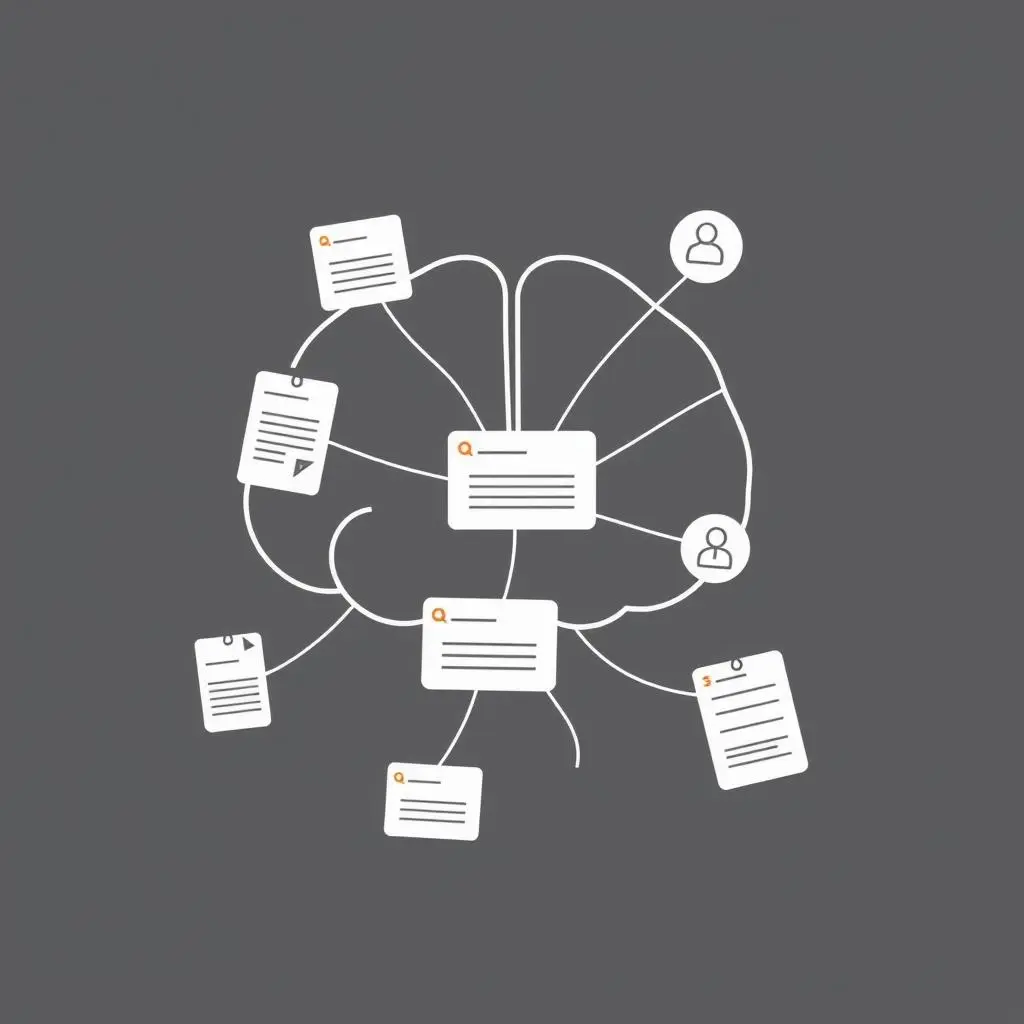
Why creators need a content brain in 2026
Ideas are not your problem. Losing them is.
In 2026, the creators who win are usually the ones who:
- Capture ideas quickly
- Turn them into repeatable formats
- Keep coming back to proven topics
Notion is a flexible way to run your content brain so that you are not stuck digging through screenshots, random DMs, and half-finished docs.
Paired with BrandGhost, you get a clean division of labor:
- Notion for thinking, research, and planning
- BrandGhost for scheduling, automation, and cross-posting
A simple Notion setup for creators
You do not need a complex template. Start with three databases:
- Idea Inbox – quick capture of raw ideas, questions, hooks
- Content Library – drafts, outlines, and finished scripts
- Series & Topics – recurring themes or campaigns
Useful properties include:
- Platform (YouTube, Instagram, TikTok, LinkedIn, etc.)
- Status (Idea, Draft, Ready, Published)
- Topic or series
- Evergreen (Yes/No)
This gives you a place to park everything before you decide how to publish it.
Connecting Notion to evergreen content
Evergreen content is what continues to work months after you hit publish. Notion is where you can:
- Tag ideas as evergreen candidates
- Store outlines for long-form pieces
- Keep track of which angles performed best
Later, when you are loading BrandGhost, you already know which posts are safe to:
- Schedule repeatedly
- Remix for different platforms
- Use in evergreen topic streams
For a deeper dive on consistency and evergreen content, see:
Handing off from Notion to BrandGhost
A practical workflow for 2026 might look like this:
- Capture hooks, ideas, and audience questions into Notion
- Turn the best ones into scripts, outlines, or post drafts
- Mark them as “Ready” once you are happy
- Move into BrandGhost, grouped by topic stream
- Let BrandGhost handle social media automation and cross-posting
You keep your creative thinking in one place and your publishing in another.
Avoiding Notion over-complication
Notion can become a rabbit hole. To avoid that:
- Treat it like a workspace, not a museum
- Archive old experiments instead of endlessly tweaking them
- Review your idea inbox weekly and move only the best into your content library
If a setup takes more time to maintain than it saves, simplify it.
When to invest more into Notion
You know it is time to level up your Notion system when:
- You are consistently publishing but cannot remember which ideas are still unused
- You are repurposing content and need to track where each idea has been used
- You are collaborating with an editor, ghostwriter, or VA
At that point you can add:
- Simple dashboards for “What to publish this week”
- Filters for evergreen vs. time-sensitive content
- Views broken down by platform or funnel stage
As long as Notion remains the thinking layer and BrandGhost remains the publishing layer, your stack will stay manageable.