How to Plan Monthly Social Media Content in 60 Minutes
Master monthly social media planning with our 60-minute framework. Plan an entire month of content in one session for consistent posting without daily stress.
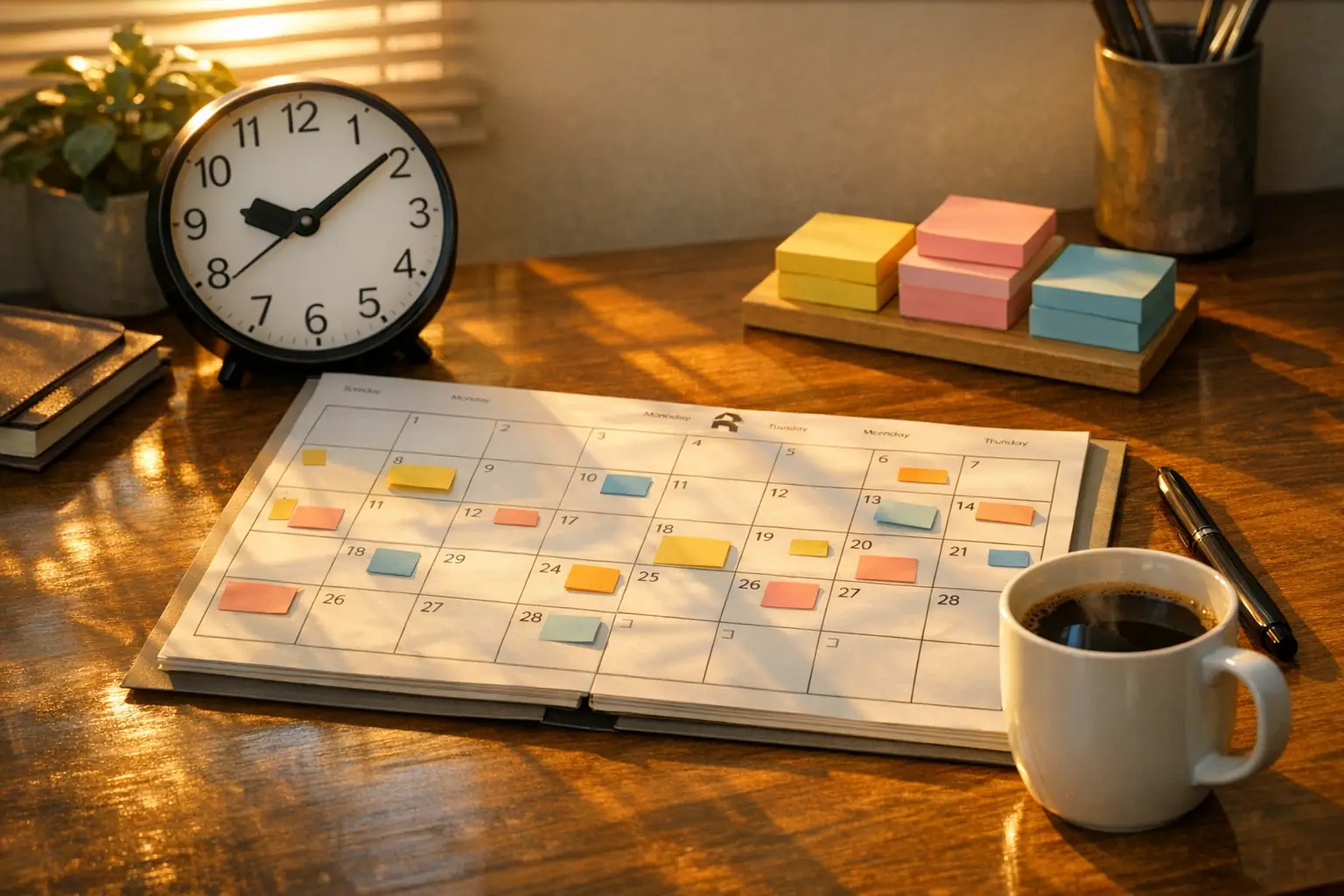
Monthly social media planning lets you schedule an entire month of content in one focused session instead of scrambling for ideas every day. You plan once, execute all month, and free up mental energy for creating, engaging, or running your business.
Most creators post reactively—they wake up, wonder what to post, spend 20 minutes brainstorming, and repeat tomorrow. That approach burns time and leads to inconsistent posting.
Planning monthly eliminates daily decision fatigue. You block 60 minutes, map your content, schedule everything, and you’re done. The rest of the month runs on autopilot.
This guide shows you exactly how to approach monthly social media planning using a simple 60-minute framework—no overwhelm, no complicated systems.
Why Monthly Planning Works Better Than Daily Posting
Eliminates Decision Fatigue
Deciding what to post every single day drains mental energy. By the time you pick a topic, create content, and schedule it, you’ve spent 30-60 minutes.
Monthly planning moves all those decisions into one session. You make 30 decisions in an hour instead of one decision per day for 30 days.
The result: you’re more consistent because posting doesn’t require daily motivation.
Reveals Content Gaps
When you plan daily, you can’t see patterns. You might accidentally post promotional content three days in a row without realizing it.
Monthly planning gives you a bird’s-eye view. You can see if your content mix is balanced, if you’re covering all your content pillars, and if you’re spacing out promotional posts properly.
Our guide to content pillars for social media helps you establish themes that ensure variety in your monthly plan.
Enables Better Content Quality
Rushing to create content every morning leads to mediocre posts. You don’t have time to research, refine, or polish.
When you plan monthly, you can batch-create all content in focused sessions. You write all captions in one sitting, design all graphics in another, and schedule everything when you’re done.
Content batching strategies pair perfectly with monthly planning—you plan the month, then batch-create the content to execute that plan.
Reduces Last-Minute Stress
Nothing kills consistency faster than feeling unprepared. When you don’t know what to post, skipping a day feels easier than creating something on the spot.
Monthly planning removes that friction. You always know what’s coming next because you planned it weeks ago.
Gives You Strategic Flexibility
Ironically, planning monthly makes you more flexible, not less. When you have your core content mapped out, you can easily swap posts, add reactive content, or adjust based on performance.
Without a plan, every post feels urgent. With a plan, you have space to breathe and react to trends without derailing your strategy.
Monthly social media planning gives you this balance—structure with flexibility.
The 60-Minute Monthly Planning Framework
Effective monthly social media planning doesn’t require hours of work. This framework breaks down the entire planning process into manageable 10-minute segments.
Prep Work (Before Your Planning Session)
Do these before your 60-minute session:
- Review last month’s performance. What posts performed well? What flopped? What topics resonated?
- Check upcoming dates. Holidays, product launches, campaigns, or events you need to post about.
- Gather content ideas. Keep a running list throughout the month. By planning day, you should have 40-50 rough ideas to pull from.
This prep work takes 10-15 minutes spread across the week before your planning session. Don’t skip it—your 60-minute session will be more productive if you’re not brainstorming from scratch.
Our social media content calendar guide covers the strategy behind effective planning—monthly sessions execute that strategy.
The 60-Minute Planning Process
Minutes 1-10: Set Your Goals and Themes
Start by defining what you want to achieve this month.
Goals might be:
- Grow followers by 5%
- Drive traffic to a new blog post
- Promote a product launch
- Increase engagement rate
Then identify 3-5 content themes for the month. These should align with your content pillars.
Example themes:
- Productivity tips (educational)
- Behind-the-scenes (engaging)
- Customer stories (social proof)
- Product updates (promotional)
Write these down. They’ll guide your content decisions for the next 50 minutes.
Minutes 11-20: Map Key Dates and Campaigns
Mark important dates on your calendar:
- Product launches
- Sales or promotions
- Holidays relevant to your audience
- Industry events
- Content you need to promote (blog posts, videos, launches)
These become “anchor posts” that structure the rest of your month.
If you have a product launch on day 15, you might plan teaser posts on days 12, 13, and 14. If you have a blog post going live on day 8, schedule promotion posts for days 8, 10, and 14.
This step ensures your social content supports your broader business goals.
Minutes 21-35: Fill Your Content Calendar
Now you’re ready to schedule posts.
Open your calendar tool (spreadsheet or scheduling tool like BrandGhost) and start filling slots.
Work week-by-week:
Week 1:
- Pull from content theme #1
- Add any anchor posts (launches, promotions)
- Balance formats (images, videos, text)
Week 2:
- Pull from content theme #2
- Add supporting posts for campaigns
- Ensure variety (don’t post carousels four days straight)
Week 3:
- Pull from content theme #3
- Mix educational and engaging content
- Add social proof or testimonials if relevant
Week 4:
- Pull from content theme #4
- Lighten promotional content (unless running a campaign)
- Plan for month-end wrap-ups or previews of next month
Don’t write full captions yet. At this stage, you’re just assigning topics and formats to specific dates.
Example entries:
- “Day 3: Productivity tip (carousel)”
- “Day 7: Behind-the-scenes (video)”
- “Day 10: Customer story (image + caption)”
You’ll write captions in the next step.
Minutes 36-50: Draft Captions and Finalize Details
Go through your calendar and write captions for each post.
Keep it simple:
- Educational posts: Share one actionable tip
- Engaging posts: Ask a question or share a story
- Promotional posts: Highlight benefits, include a CTA
Don’t aim for perfection. You can refine later. The goal is to get everything drafted so scheduling is easy.
Add hashtags, links, or tags where relevant. Mark posts that need graphics or videos so you know what to create during your batching session.
Minutes 51-60: Schedule Posts and Set Reminders
If you’re using a scheduling tool like BrandGhost, schedule everything now. If you’re using a spreadsheet, transfer posts to your scheduling tool or set reminders to post manually.
Add reminders for:
- Content creation days (if you’re batching graphics/videos)
- Campaign check-ins (to ensure everything’s on track)
- Performance reviews (mid-month and end-of-month)
That’s it. You just planned 30 days of content in 60 minutes.
How to Execute Your Monthly Plan
Once you’ve completed your monthly social media planning session, execution becomes straightforward. Here’s how to turn your plan into published content:
Batch-Create Your Content
After planning, block time to create all your visuals, graphics, and videos in one or two sessions.
- Day 1: Write all captions (30-60 minutes)
- Day 2: Design all graphics (60-90 minutes)
- Day 3: Record all videos (60-90 minutes)
Batching is faster than creating one post at a time because you’re not context-switching. You stay in “writing mode” or “design mode” for an extended period, which improves both speed and quality.
Content batching workflows cover this process in detail—monthly planning tells you what to create, batching tells you how to create it efficiently.
Leave Room for Reactive Content
Don’t schedule every single slot. Leave 20-30% of your calendar open for:
- Trending topics
- News or current events
- Spontaneous behind-the-scenes moments
- Audience questions or comments
If a trend pops up mid-month, you can swap a scheduled post or add an extra post without derailing your plan.
Rigid planning kills spontaneity. Flexible planning creates structure while allowing creativity.
This balance is what makes monthly social media planning sustainable long-term—you have structure without feeling locked in.
Review and Adjust Mid-Month
Set a reminder for day 15 to check your calendar.
Ask:
- Are posts performing as expected?
- Do you need to adjust messaging based on early results?
- Are there any gaps or issues you didn’t see when planning?
Make tweaks if needed. Monthly planning isn’t set in stone—it’s a guide, not a contract.
Use Recurring Content to Fill Gaps
Some content works on repeat. Tips, quotes, FAQs, and educational posts can be scheduled to recur monthly or quarterly.
BrandGhost’s recurring content feature automates this—you set up evergreen posts once, and they automatically reschedule after publishing. This fills gaps without requiring new content every month.
If 30% of your monthly calendar is recurring content, you only need to plan 70% from scratch. That cuts your planning time significantly.
Tools That Speed Up Monthly Planning
Effective monthly social media planning becomes easier with the right tools. Here are the best options for different workflows:
Scheduling Tools
BrandGhost: Combines planning, scheduling, and cross-posting in one tool. Topic Streams organize ideas by theme, making it easy to pull content during planning sessions.
Buffer: Simple queue-based scheduling. Good for beginners, but cross-posting requires manual customization.
Hootsuite: Enterprise-level tool. Overkill for solo creators, but powerful for teams.
Our comparison of social media calendar tools helps you choose the right one for your workflow.
Template Tools
Google Sheets or Excel: Free and flexible. Download templates here.
Notion: Visual database for content planning. Great if you’re already using Notion for other workflows.
Content Idea Tools
Answer the Public: Find questions people are asking in your niche.
BuzzSumo: See what content is trending in your industry.
Your saved posts: Scroll Instagram or Twitter and save posts that inspire you. Revisit these during planning sessions.
Common Mistakes in Monthly Planning
Mistake 1: Planning Too Rigidly
If every post is scheduled weeks in advance with no flexibility, you can’t react to trends or audience feedback.
Leave breathing room. Schedule 70-80% of your content, keep the rest open.
Mistake 2: Skipping Performance Review
Planning without checking what worked last month means repeating the same mistakes.
Spend 10 minutes before your planning session reviewing:
- Top 5 performing posts
- Bottom 5 performing posts
- Engagement trends
Use those insights to guide this month’s plan.
Mistake 3: Overcomplicating the Process
You don’t need a 20-column spreadsheet with color-coding, tags, campaign tracking, UTM parameters, and performance projections.
Start simple: date, platform, topic, format. Add complexity only if you actually use it.
Mistake 4: Planning Without Strategy
Randomly assigning topics to dates isn’t planning—it’s guessing.
Your monthly plan should support specific goals (grow followers, drive traffic, promote a launch). Every post should connect to a content pillar or campaign.
Refer back to building a content calendar that works if your planning feels aimless.
Mistake 5: Not Batching Content Creation
Planning is only half the work. If you’re creating content one post at a time throughout the month, you’re not saving time.
After planning, batch-create everything. Write all captions in one session, design all graphics in another. That’s where the real time savings come from.
Monthly Planning for Different Platforms
Instagram works well with monthly planning because grid aesthetics matter. You can plan how posts look together before publishing.
Plan:
- Feed posts (3-7x per week)
- Stories (daily or every other day)
- Reels (2-4x per week)
Mix educational carousels, engaging reels, and promotional posts. Use a grid planner to preview how your feed will look.
Twitter rewards high frequency and timeliness. Monthly planning works, but leave more flexibility for reactive tweets.
Plan:
- Evergreen tips and insights (5-10x per week)
- Thread topics (2-3x per week)
Leave open slots for trending topics, replies, and spontaneous tweets. Twitter isn’t as rigid as Instagram—embrace that.
LinkedIn audiences expect educational and professional content. Monthly planning works perfectly because trends move slower.
Plan:
- Industry insights (2-3x per week)
- Personal stories or lessons (1-2x per week)
- Company updates (1x per week)
LinkedIn posts have a longer shelf life than Twitter, so planning 30 days ahead feels natural.
TikTok
TikTok is trend-heavy. Monthly planning works for evergreen educational content, but leave lots of room for trending sounds and challenges.
Plan:
- Educational tips (3-5x per week)
- Behind-the-scenes (2x per week)
Keep 40-50% of your calendar open for reactive content. TikTok rewards timeliness more than other platforms.
Multi-Platform Posting
If you’re posting on 4-5 platforms, monthly planning is essential. You can’t juggle that many networks without a calendar.
Use a tool like BrandGhost to plan once and customize for each platform. You’re not creating separate content for every network—you’re adapting one piece of content across multiple formats.
Our guide on cross-posting strategies covers how to repurpose content effectively without sounding robotic.
Sample 60-Minute Planning Session
Here’s what a real monthly planning session looks like:
Month: March 2026
Goal: Promote new course launch on March 15
Themes: Course benefits, student success stories, productivity tips, behind-the-scenes
Minutes 1-10:
- Goal: Drive 100 course sign-ups
- Themes: Course promo, social proof, educational tips, BTS content
Minutes 11-20:
- Mark March 15 (launch day)
- Plan teaser posts March 10-14
- Plan launch posts March 15-17
- Add weekly blog post promotions (Wednesdays)
Minutes 21-35:
- Week 1 (Mar 1-7): Productivity tips + BTS
- Week 2 (Mar 8-14): Course teasers + student stories
- Week 3 (Mar 15-21): Launch posts + social proof
- Week 4 (Mar 22-31): Course benefits + educational content
Minutes 36-50:
- Draft captions for all 30 posts
- Add CTAs for launch week posts
- Add hashtags and links
Minutes 51-60:
- Schedule all posts in BrandGhost
- Set reminder to batch-create graphics (March 1-2)
- Set reminder to review performance (March 15)
Done. 30 days planned in 60 minutes.
Final Thoughts on Monthly Planning
Monthly social media planning isn’t about rigidly scheduling every post weeks in advance. It’s about creating structure so you can execute without daily stress while leaving flexibility for creativity and trends.
Plan your core content, batch-create everything, schedule it, and move on. The rest of your month is free for engaging with your audience, analyzing performance, or building your business.
60 minutes of planning saves 10-15 hours throughout the month. That’s time you can spend creating better content, engaging with followers, or simply not thinking about social media every single day.
If you’re ready to stop scrambling for content ideas and start planning strategically, try BrandGhost for free. It’s built for creators who want to plan fast, schedule efficiently, and cross-post without the busywork.
Frequently Asked Questions
Is monthly planning better than weekly planning?
It depends on your workflow. Monthly planning gives big-picture visibility and reduces planning sessions to once per month (more time-efficient). Weekly planning feels less overwhelming and allows more reactivity to trends and performance.
What if something changes mid-month?
Adjust your calendar. Monthly planning isn't set in stone—it's a flexible guide. If a trend pops up, swap a scheduled post.
How do I plan for multiple platforms in 60 minutes?
Plan one piece of content, then adapt it for each platform. Don't create separate content for Instagram, Twitter, LinkedIn, TikTok, and Facebook—start with one core message and customize format, length, and tone for each network. Tools like BrandGhost automate this (you write once, it adapts for each platform).
Should I schedule posts or just plan them?
Schedule them if your tool supports it. Planning without scheduling means you still have daily execution work—checking the calendar, copying captions, posting manually. Scheduling automates execution so your plan runs on autopilot.
What if I run out of content ideas mid-month?
This happens when you're not collecting ideas continuously. Keep a running "content ideas" list throughout the month—save posts that inspire you, note customer questions, screenshot interesting stats, jot down observations. By planning day, you should have 40-50 rough ideas to pull from.
How detailed should my monthly plan be?
Start minimal: date, platform, topic, format. Don't over-plan. You can always add detail later (hashtags, exact wording, UTM links), but you can't un-complicate an overbuilt system.
Can beginners do monthly planning or should they start weekly?
Beginners should start weekly. Monthly planning requires understanding your content pillars, posting frequency, and what performs well—insights you don't have yet. Post consistently for 4-8 weeks using weekly planning, analyze what works, then graduate to monthly planning once you understand your patterns.