Free Social Media Scheduling Tools: The Complete Guide for 2026
Compare the best free social media scheduling tools of 2026 — features, limits, and which one fits your creator workflow without paying a cent.
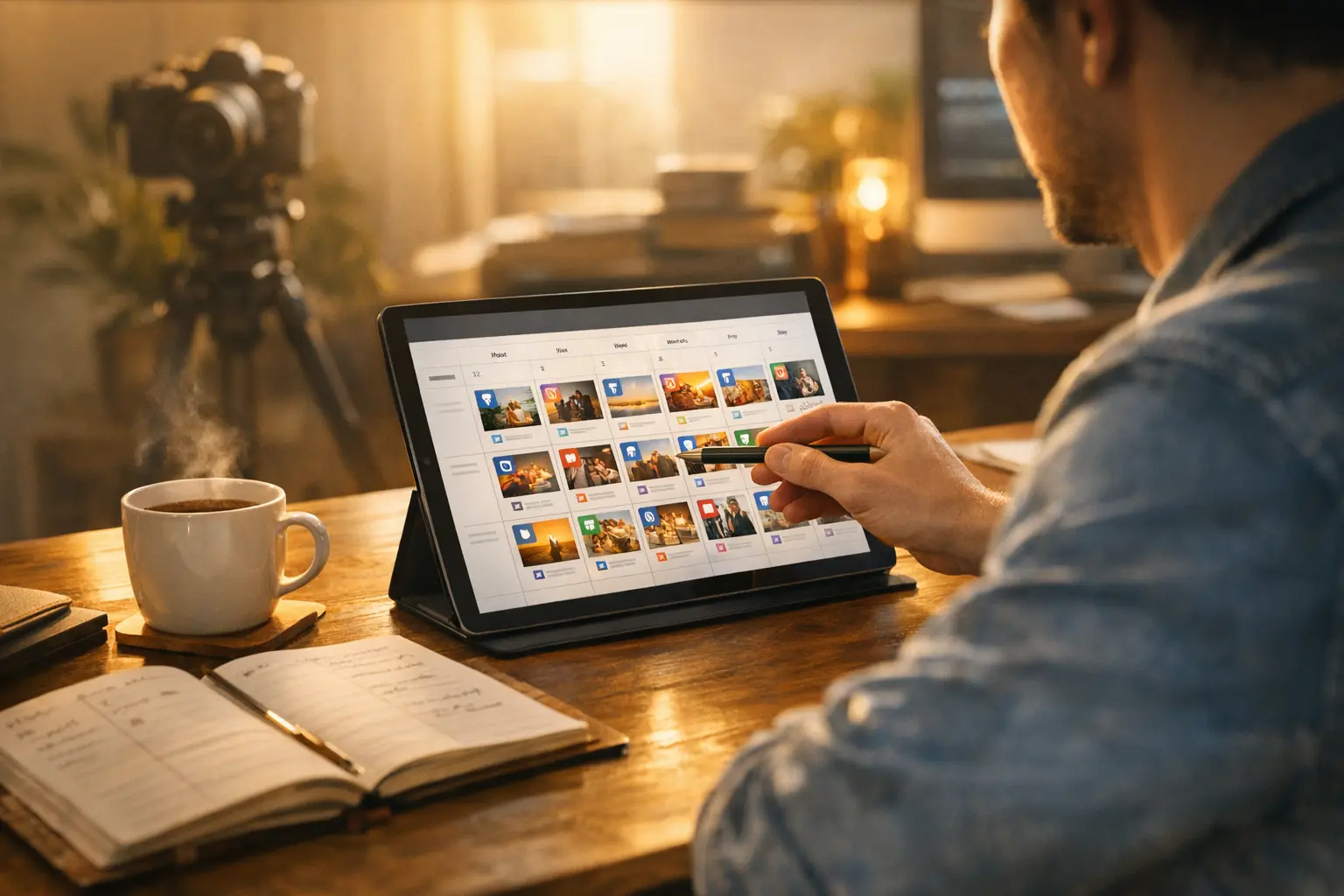
Posting to social media manually — opening each app, typing a caption, uploading an image, selecting a time, and repeating across three or four platforms — is one of the most underestimated time drains in a creator’s workflow. Done consistently across Instagram, LinkedIn, Twitter/X, and TikTok, that overhead can consume an hour or more per day. At that point, social media starts to feel like a part-time job that competes with the actual content creation work.
Free social media scheduling tools solve this. And in 2026, the best free social media scheduling tools are genuinely capable — not crippled trials designed to push you to a paid plan, but functional tools that cover what most creators actually need.
This guide compares the leading free social media scheduling tools, breaks down what their free plans actually include, and helps you identify which one fits your specific workflow.
Why Every Creator Needs a Scheduling Tool
Before comparing tools, it’s worth being clear about what a scheduling tool actually changes for a creator.
Consistency without the grind. The most important factor in social media audience growth is consistency. Algorithms favor accounts that post reliably; audiences develop habits around creators who show up on schedule. Manual posting makes consistency dependent on your mood, energy, and availability on any given day. Scheduling makes consistency mechanical — you batch-create content when you’re in a creative flow, and the tool distributes it on schedule regardless of what else is happening in your life.
Better timing without real-time effort. Most social platforms have peak engagement windows — times when more of your audience is active and posts perform better. Without a scheduling tool, hitting those windows requires you to be personally available at 7 PM on a Tuesday or 9 AM on a Wednesday. With a scheduling tool, you set the time once and the post goes out automatically.
Batch creation efficiency. When you’re in creation mode — shooting content, designing graphics, writing captions — switching in and out of posting mode constantly breaks the flow. Scheduling tools let you create in batches and schedule in batches, keeping creation and distribution as separate activities.
Cross-platform coordination. Without scheduling, publishing to multiple platforms means logging in and out of each, adjusting captions for each platform’s style, and doing it all in real-time. Free social media scheduling tools handle the cross-platform coordination from a single interface.
What Free Plans Actually Include
Not all free tiers are created equal. Here’s what the category of free social media scheduling tools typically includes — and what typically requires paying.
Usually included in free tiers:
- Core scheduling (write, set time, publish automatically)
- A basic post queue
- Connection of at least 1-3 social accounts
- Basic calendar view
- Mobile app access
Usually requires paid plans:
- More than 3-5 connected social accounts
- Large post queues (more than 10-30 posts scheduled ahead)
- Team member access and collaboration
- Analytics beyond basic post counts
- Advanced automation (recurring post schedules, AI posting time suggestions)
- Content library for storing and reusing posts
The most important limitation on free tiers tends to be connected accounts. If you’re active on Instagram, LinkedIn, Twitter/X, TikTok, and Facebook, that’s five accounts — which exceeds the free tier on most free social media scheduling tools. If you’re focused on two or three platforms (the recommendation for most creators in their first year), the free tiers work well.
BrandGhost: Strong Free Plan for Evergreen Content
BrandGhost takes a different approach to content scheduling than most tools in the free social media scheduling tools category, and that difference matters for creators who produce evergreen content.
The defining feature of BrandGhost’s free plan is topic streams — automated content rotation queues. Instead of scheduling individual posts one by one, you create a stream (for example, “Creator Tips”), add a batch of posts to it, configure a posting schedule (Mondays and Thursdays at 9 AM), and BrandGhost automatically cycles through your stream content on that schedule.
For creators who produce educational tips, product highlights, testimonials, or any content that doesn’t have a specific expiration date, topic streams are transformative. You create twenty posts, add them to your stream, and BrandGhost distributes one every few days for months. You don’t have to touch the scheduling process again until the stream needs refreshing with new content.
BrandGhost also includes a content library for storing posts you want to reuse, cross-platform scheduling for distributing content to multiple networks, and analytics for tracking performance across your connected accounts.
The tool is designed around the principle that content creators should spend time creating, not managing schedules — and the topic stream feature is the clearest expression of that philosophy. It’s one of the key features covered in The Social Media Automation Tool That Actually Respects Your Time, which explores what creator-focused automation actually looks like in practice.
For creators building a complete creator stack, the free creator tools breakdown in The Best Free Creator Tools in 2026 covers how BrandGhost’s free plan fits alongside other free tools across design, video, and planning.
Buffer: Clean and Simple Free Scheduling
Buffer’s free plan is one of the most straightforward in the free social media scheduling tools space. It supports up to three social media channels with up to ten posts queued per channel at any given time.
The interface is clean and minimal — designed for the simple workflow of writing a post, selecting a time slot, and adding it to the queue. Buffer’s “posting schedule” feature lets you define your preferred posting times for each channel, then simply add posts to the queue without thinking about specific timing; Buffer slots them into your next available time.
Buffer free plan works well for:
- Creators active on two or three platforms with a consistent posting frequency
- People who prefer a simple, no-frills scheduling interface
- Those who don’t need analytics or engagement tools beyond native platform dashboards
Buffer free plan limits to know:
- Ten posts in the queue per channel means you can’t schedule more than one to two weeks ahead for a daily-posting creator
- No analytics on the free plan — you’ll need to check each platform’s native analytics separately
- No team features — the free plan is solo only
- No content library for storing and reusing posts
Buffer is an excellent free social media scheduling tool for creators who want reliability and simplicity above all else. It’s not the most feature-rich free option, but it’s stable, predictable, and genuinely useful.
Later: Visual Planning with a Grid Preview
Later’s free plan is differentiated by its visual approach to content planning — specifically the grid preview feature that shows you how your Instagram feed will look before you publish.
The free plan supports one social profile per platform and up to thirty posts per month per platform. For Instagram-focused creators who post once per day or less, that’s sufficient. For multi-platform creators or those posting more frequently, the thirty-post limit and single-profile-per-platform restriction become significant constraints quickly.
Later free plan works well for:
- Instagram-focused creators who care deeply about feed aesthetics
- Photographers, product brands, or visual creators where the grid composition matters
- Creators with a moderate posting frequency (one post per day or less)
Later free plan limits to know:
- One social profile per platform (one Instagram account, one TikTok account, etc.)
- Thirty posts per month per profile
- No analytics on the free plan
- No scheduled stories on the free plan (stories must be pushed as reminders to post manually)
Later is worth considering specifically if Instagram grid aesthetics are a meaningful part of your brand strategy. For creators who are platform-agnostic or who post primarily text-based content, the visual grid preview feature isn’t a differentiator worth the platform restrictions.
Hootsuite: Free Plan with Significant Limitations
Hootsuite is one of the most recognized names among free social media scheduling tools, but its free plan has become more restrictive over the years. The current free plan allows two social accounts and five scheduled posts at any given time.
Five scheduled posts across two accounts is a very small buffer for any creator posting more than twice per week. Practically, this means you can’t schedule more than a few days ahead, which negates much of the batch-creation benefit of scheduling tools.
Hootsuite’s paid plans are comprehensive and include analytics, team features, and social listening tools — making it a strong choice for social media managers at agencies or larger teams. For individual creators, the free plan is too limited to recommend as a primary scheduling tool compared to the other options in this guide.
How to Choose the Right Free Scheduling Tool
With four free social media scheduling tools compared, here’s how to make the choice based on your specific situation.
Choose BrandGhost if:
- You produce batches of evergreen content that you want to distribute automatically over time
- Topic streams (automated content rotation) are a workflow you’d use regularly
- You want a tool designed around creator consistency as a core feature
- You need a tool that handles the distribution layer of a broader creator tool stack
Choose Buffer if:
- You want the simplest possible scheduling interface with minimal setup
- You post to two or three platforms and don’t need content libraries or advanced automation
- You prefer a queue-based workflow where you add posts and the tool manages timing
Choose Later if:
- You’re primarily Instagram-focused and care about visual feed composition
- The grid preview feature is something you’d use to make posting decisions
- You post once per day or less and won’t hit the thirty-post monthly limit
Consider a paid plan if:
- You need more than three to five connected social accounts
- You want detailed analytics that consolidate performance data across platforms
- You’re working with a team and need collaboration features
- You want AI-suggested posting times based on your audience engagement patterns
Building Your Scheduling Workflow
Choosing a free social media scheduling tool is only the first step. The workflow you build around it determines whether it actually saves you time or becomes another tab you check occasionally.
A scheduling workflow that works for most creators using free social media scheduling tools:
Weekly batch session (60-90 minutes): Set aside one time per week — often Sunday or Monday morning — to write captions, finalize graphics (exported from Figma or Canva), and batch-schedule the week’s content. Get everything queued and scheduled in one sitting rather than handling it in real-time throughout the week.
Topic stream refresh (monthly): For evergreen content in BrandGhost topic streams, do a monthly content audit. Check which posts are running low, add new batch content to the stream, and update any posts that are outdated.
Quarterly performance review: Look at which posts in your scheduled content performed best over the quarter. What format, what topic, what time of day? Let the data inform what you create and schedule in the next quarter.
This structure — weekly batch, monthly refresh, quarterly review — is what turns a scheduling tool from a nice-to-have into an actual system that drives consistent growth.
For multi-platform creators managing more complex cross-posting needs, Best Social Media Scheduling Tools for Multi-Platform Creators covers advanced considerations for creators active on many platforms simultaneously.
From Scheduling to Strategy
Free social media scheduling tools solve the operational problem of publishing consistency. But publishing consistently is the floor, not the ceiling. The creators who grow fastest combine consistent publishing with content that’s worth showing up for — original perspectives, genuine expertise, real value delivered to their audience.
Scheduling handles the when and how. You still have to handle the what. The most valuable free social media scheduling tool is the one you’ll actually use consistently, that integrates naturally into your creative workflow, and that handles the distribution overhead so you can focus your energy on the creation side of the equation.
BrandGhost is built specifically for creators who think about their content as a system — batches of content distributed over time through topic streams — rather than a series of individual posts requiring individual attention. If that matches how you create, it’s worth starting there. The free plan covers the core workflow, and it grows with you as your content operation scales.
Frequently Asked Questions
Are free social media scheduling tools good enough for serious creators?
Yes, for most creators at most stages. The best free social media scheduling tools in 2026 — including BrandGhost, Buffer, and Later — offer genuine scheduling functionality without major limitations on the core workflow. The free tier restrictions that matter most are platform count (how many social accounts you can connect) and queue size (how many posts you can have scheduled at once). Most solo creators can run a serious content operation within these limits, and the tools that do the most for creators — like BrandGhost's topic streams — are available on free plans.
What is the difference between a free social media scheduler and a paid one?
The core scheduling functionality — write a post, pick a time, have it publish automatically — is available on virtually every free tier. What paid plans typically add: more connected social accounts, larger post queues, team collaboration features, analytics beyond basic post counts, advanced automation like AI-suggested posting times, and priority customer support. For most solo creators, the free tier covers the workflow completely. Team features and deep analytics are typically what drive the upgrade decision.
How many social accounts can I connect to BrandGhost for free?
BrandGhost's free plan supports connecting social accounts for scheduling and distribution. The free tier includes topic streams, which allow you to set up automated content rotation queues that post recurring content on your schedule — a feature that isn't available on the free tiers of most competing scheduling tools. For exact current limits on the BrandGhost free plan, check brandghost.ai, as plan details can be updated.
What is a topic stream and why does it matter for content scheduling?
A topic stream is a recurring content queue that posts from a pool of pre-loaded content on a set schedule. Instead of scheduling each post individually, you add posts to a stream and the tool distributes them automatically according to your publishing cadence. This is the single most useful feature for creators who produce batches of evergreen content — tip posts, educational content, product highlights — because it lets you create once and distribute for weeks or months without manually scheduling each piece.