How to Repurpose Podcast Content for Social Media
Learn how to repurpose podcast content social media audiences engage with — turn each episode into blog posts, Twitter threads, quote graphics, and short video clips.
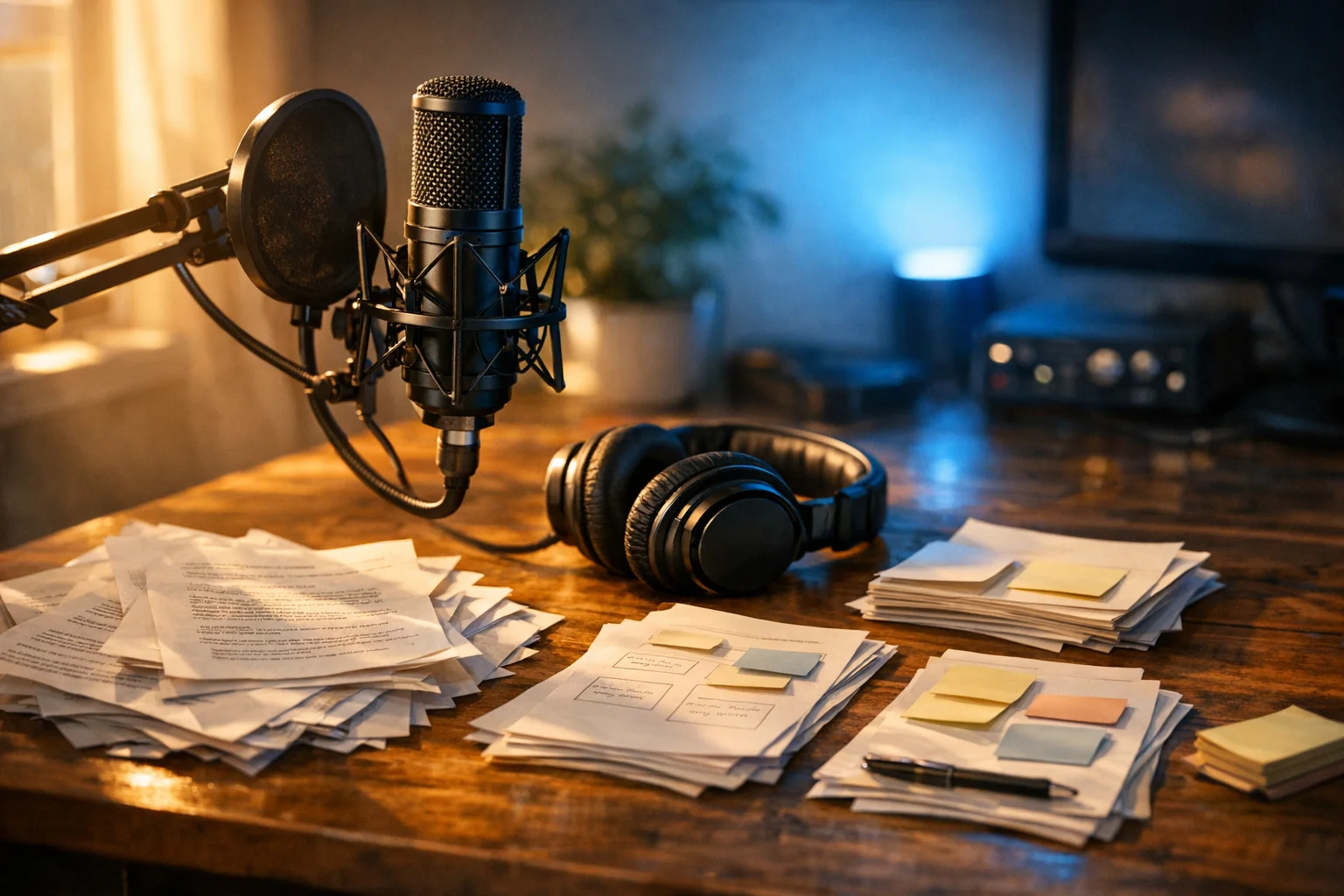
Podcasting is one of the most content-rich formats a creator or brand can produce. When it comes to repurpose podcast content social media, a single 45-minute episode can contain dozens of quotable moments, a handful of genuinely useful frameworks, and at least one story or insight that would resonate strongly with your audience – if they could find it.
Most podcast creators post the episode link on social media, maybe write a one-paragraph caption, and move on. That approach leaves an enormous amount of distribution value sitting untouched. The conversation you spent hours recording reaches only the people who already subscribe to your show and happen to notice the new episode in their feed.
The fix is to repurpose podcast content social media audiences can engage with, in a systematic way – not as a one-off experiment, but as a repeatable workflow that runs after every single episode. This guide walks you through exactly how to do that.
Why Audio Doesn’t Travel Well on Social Media
Social media feeds are optimized for immediate attention. A bare episode link competes with video, images, and short text posts – and it loses. Clicking a podcast link requires the listener to leave the platform, open a podcast app, find the episode, and commit to 20-plus minutes of audio. That’s a high-friction ask in an environment built for zero-friction scrolling.
The problem isn’t your podcast. The problem is the format mismatch. Audio is a lean-back, focused medium. Social media is a lean-forward, distracted medium. You have to meet your potential listeners where they are, in the format native to each platform, before they’ll ever press play on the full episode.
Repurposing solves this by translating the substance of your episode into platform-native formats: a thread that delivers the core argument in two minutes, a 60-second clip that captures the most surprising moment, a quote graphic that stops the scroll. Each of these acts as a trailer for the episode – but more importantly, each delivers value on its own. People who never listen to the full episode still get something useful, and that builds the audience trust that eventually converts casual scrollers into subscribers.
For a broader look at how this fits into a larger content strategy, the content repurposing for social media hub covers the foundational principles behind this approach.
How to Repurpose Podcast Content Social Media Creators Actually Post: Two Tracks
Before getting into specific tactics, it helps to think in terms of two parallel tracks.
The text track starts with a transcript and produces written content: social captions, threads, blog posts, show notes, and email sections. This track works for every podcast, regardless of whether you record video.
The audio/video track starts with the raw audio or video recording and produces clips: audiograms, short video segments, quote cards set to audio. This track adds visual and audio elements that perform well on Instagram, LinkedIn, and TikTok.
Run both tracks simultaneously after every episode. They’re not mutually exclusive, and together they give you content for every major platform.
Getting a Transcript You Can Actually Use
The transcript is the unlock for the text track. Without one, you’re writing social content from memory and probably missing the episode’s best moments. With one, you have a searchable, editable document that contains every insight, joke, and framework your episode produced.
Several tools can auto-transcribe a podcast episode with reasonable accuracy:
- Descript transcribes audio and video and lets you edit the media by editing the text – useful if you’re also creating video clips.
- Otter.ai is a standalone transcription tool that syncs in real time and integrates with common recording platforms.
- Whisper is an open-source model from OpenAI that can be run locally or via API for high-accuracy transcription without a subscription cost.
- Riverside.fm and Squadcast include built-in transcription if you record there.
Auto-transcription is rarely perfect. Budget 20–30 minutes after export to fix proper nouns, technical terms, acronyms, and the “um”s and “uh”s that make the text hard to read. A clean transcript is the foundation everything else builds on.
The Text Track: Four Content Formats from One Transcript
Twitter/X Thread
A thread works best when the episode contains a clear central argument, a step-by-step framework, or a guest’s counterintuitive take on a familiar topic. Look for the five to ten most useful sentences in the transcript – the ones that could stand alone as insights – and arrange them into a numbered thread.
The first tweet carries the entire weight of the thread. It needs to communicate the core idea and promise enough value that someone reading their feed at speed will tap through. A good formula: state the counterintuitive premise and hint at the payoff. Something like: “Most [audience] do [common thing]. It’s actually slowing them down. Here’s what actually works:” followed by the numbered insights.
Threads perform well on Twitter/X and can be reformatted (with minimal editing) as carousel posts on LinkedIn or Instagram.
LinkedIn Post
LinkedIn tends to reward single, well-developed ideas over rapid-fire lists. A LinkedIn post from a podcast episode works best when you take one insight – ideally one that the guest or host expressed in a memorable way – and unpack it for a professional audience.
The structure that reliably performs: open with the insight stated plainly (no preamble, no episode attribution), develop the idea with two or three supporting observations, close with a question or a call to reflection. Keep it to 150–250 words. Long enough to be substantive, short enough to read in one screen.
If the episode included a guest with professional credibility relevant to your LinkedIn audience, name them and tag them. This often triggers the guest to comment or share, which expands reach.
Show Notes / Blog Post
A full blog post written from the transcript serves a different purpose than social posts: it captures long-term search traffic and gives people who prefer reading over listening a complete version of the content.
The simplest version is polished show notes: a 600–800 word summary of the episode’s main points with a few direct quotes pulled from the transcript. The more effective (and more work) version is a fully restructured article that takes the transcript’s ideas and organizes them into a proper editorial structure – introduction, sections, examples, conclusion – rather than following the episode’s chronological order.
If you’re already creating a blog post for your episode, this is exactly the same process described in the how to repurpose blog posts for social media spoke – just run in reverse. The transcript becomes the draft; the blog post becomes the authoritative reference piece.
Email Newsletter Section
Your email list is typically your most engaged audience. A podcast episode provides an easy way to populate a newsletter section without starting from scratch. Take the single most valuable insight from the episode, write 150–200 words expanding on it (go a level deeper than the social posts), link to the full episode, and you have a newsletter section that takes 20 minutes to write.
This also works well as a gentle re-engagement tactic for subscribers who have gone quiet – people who don’t listen to podcasts often do read newsletters.
The Audio/Video Track: Three Formats That Work on Visual Platforms
Audiograms
An audiogram is a short clip – typically 30 to 90 seconds – that combines a waveform animation with a compelling quote and (optionally) subtitles. It’s the audio-only creator’s equivalent of a short video clip: something visual enough to stop the scroll while delivering an audio experience.
Audiograms work particularly well on Instagram, LinkedIn, and Twitter/X, where motion in the feed attracts attention. Tools like Headliner, Wavve, and Descript can generate them from a selected segment of your episode audio.
Pick moments where the speaker says something memorable, surprising, or immediately useful – not moments where they’re summarizing, transitioning, or using inside-language that requires context to appreciate.
Short Video Clips (If You Record Video)
If your recording setup captures video – even a simple webcam or a Riverside session – you have access to one of the highest-performing social formats: short vertical video for Reels and TikTok.
The best clips are 30 to 90 seconds, start mid-sentence with no intro or preamble, and end at a natural moment of emphasis or conclusion. Don’t begin with “Hey guys, welcome back” – cut straight to the interesting part. Captions are effectively essential on these platforms – a significant portion of short-form video is watched with sound off.
Descript makes it straightforward to identify, trim, and export clips directly from the transcript, which connects the text and audio/video tracks nicely.
This approach shares a lot of DNA with repurposing YouTube videos – the repurpose YouTube videos for social media spoke covers clip selection and vertical reformatting in detail.
Quote Graphics
A quote graphic is a static image – usually square or portrait – featuring a memorable line from the episode over a background. They’re quick to produce, easy to batch, and work as both standalone posts and as the cover slide of a carousel.
The best quote graphics feature lines that are genuinely surprising or that articulate a feeling the audience already has but has never heard expressed that clearly. Avoid generic motivational phrasing; the specificity is what makes them shareable.
Canva templates make batch production fast. Establish a visual template that matches your brand once, then swap in the quote for each episode.
Building a Post-Episode Repurposing Checklist
The difference between creators who repurpose consistently and those who do it occasionally is almost always process, not intention. Without a checklist, repurposing feels like extra work on top of production. With one, it becomes part of the episode release workflow – the same way publishing the RSS feed is.
A working checklist might look like this:
- Export audio; upload to transcription tool
- Edit transcript for accuracy (names, terms, filler words)
- Identify top 5–8 moments for repurposing (highlight in transcript)
- Write Twitter/X thread draft (based on central argument)
- Write LinkedIn post draft (single best insight)
- Write show notes article or full blog post
- Write email newsletter section
- Create audiogram from best 45–60 second moment
- Export short video clip if video was recorded
- Create 2–3 quote graphics
- Schedule all posts across platforms
The checklist doesn’t need to be completed in a single session. Many podcasters break it into two blocks: a transcript-and-identification pass immediately after recording, and a content-creation pass the day before the episode publishes.
A tool like BrandGhost can help manage the scheduling and distribution end of this workflow – once the content is created, it can be queued across platforms and posted on the right cadence without manual effort each day.
Guest Episodes: The Repurposing Multiplier
Solo episodes have a fixed distribution ceiling: your existing audience plus whoever you can reach organically. Guest episodes are different. Every guest brings their own audience, and if you give them something compelling and easy to share, many of them will.
The tactic is simple: after the episode publishes, send the guest a ready-to-share asset. Not just the episode link – an audiogram featuring their best moment, or a short clip of their most quotable line, already subtitled and formatted for Instagram or LinkedIn. Make it frictionless. Attach it directly. Include a short message explaining that they can post it as-is.
A guest with 10,000 engaged LinkedIn followers sharing your clip is worth more than a dozen paid promotions, and it costs you 20 minutes of post-production. The higher the production quality of the asset, the more likely the guest is to share it – so the repurposing investment has a real return beyond your own channels.
It’s also worth noting that guests have a personal incentive to look good. A clip that positions them as insightful or authoritative is something they genuinely want to share. That alignment makes this the highest-leverage repurposing tactic in a podcast’s toolkit.
How to Find the Best Moments to Repurpose
Not every moment in a 40-minute episode is equally repurposable. Scanning the entire transcript looking for opportunities is inefficient. It helps to know what you’re looking for.
The moments most worth repurposing tend to share certain characteristics:
Surprising statements. Anything that contradicts a common assumption – “Most creators think X, but actually Y” – is immediately shareable because it creates a pattern interrupt. These make excellent thread openers and clip hooks.
Clear how-to steps. Moments where the speaker explains exactly how to do something specific produce strong instructional content. These convert well as carousels, numbered threads, and blog sections.
Memorable analogies. A good analogy condenses a complex idea into something instantly understandable. These are perfect for quote graphics and standalone social posts – they’re brief enough to stand alone and resonant enough to spread.
Counterintuitive advice. Moments where the guest or host says something that sounds wrong at first but turns out to be right are the most likely to generate comments and replies. Engagement-driving content is worth prioritizing in your repurposing queue.
Emotional moments. Vulnerability, humor, and genuine frustration are all compelling in audio; they can also translate to text if you capture the quote accurately rather than paraphrasing it into something smoother and more sterile.
When reviewing your transcript after each episode, read with a highlighter mentality: mark the lines that would make you stop scrolling if you saw them in your feed. Those are your repurposing candidates.
Consistency Over Perfection
The podcasters who get the most out of content repurposing are rarely the ones with the most sophisticated production setups. They’re the ones who run the same basic checklist after every episode, even when they’re tired, even when the episode wasn’t their best work, even when posting a thread on Tuesday feels pointless.
The value of repurposing is cumulative. A single thread might reach 500 people. Fifty threads over a year might have introduced your podcast to 10,000 people who would never have found the episode link in their feed. The workflow compounds in ways that aren’t visible in the short run.
Start with the simplest version of the process – transcript, one social post, one quote graphic – and add formats as the process becomes automatic. The goal is a workflow sustainable enough to run indefinitely, not a sprint that produces great content for three episodes and then burns out.
The content repurposing vs. cross-posting spoke is worth reading alongside this one – it clarifies the important distinction between adapting content for a platform and simply copying the same post everywhere, which is a common mistake when starting a repurposing workflow.
Every podcast episode you’ve already published is also an archive of untapped content. Even going back to two or three older episodes and running them through a lightweight repurposing checklist can surface conversations and insights that are still entirely relevant – and surface them to people who weren’t following you when the episode originally aired.
Frequently Asked Questions
What is the best way to repurpose podcast content for social media?
Start with a transcript. Once you have an accurate text version of your episode, you can extract Twitter/X threads, LinkedIn posts, show notes articles, and email newsletter segments. Pair that with short audio or video clips for platforms like Instagram and TikTok, and you've turned one episode into a full week of content.
Do I need video to repurpose a podcast episode?
No. Even an audio-only show can be repurposed into audiograms, quote graphics, threads, and long-form text. Video recording helps you create Reels and TikTok clips, but it's an optional layer on top of a text-first repurposing workflow.
How do I get a transcript of my podcast episode?
Several tools auto-transcribe audio with high accuracy, including Descript, Otter.ai, Whisper (open-source), and Riverside.fm. Most require a quick editing pass to catch names, technical terms, and filler words before the transcript is usable for content creation.
How long does a podcast repurposing workflow take?
Once the process is repeatable and templated, most podcasters complete the full repurposing cycle — transcript, social posts, blog draft, and graphics — in two to three hours per episode. The first few episodes take longer while you build your checklist and templates.
Can I repurpose guest podcast episodes differently than solo episodes?
Yes, and guest episodes often offer more leverage. The guest has their own audience and a strong incentive to share a clip featuring them. Sending the guest a ready-to-share audiogram or short video clip turns their appearance into a free distribution channel.