Facebook Content Calendar Template: Free Download & Setup Guide
Get a free Facebook content calendar template and learn how to plan your posts effectively. Complete guide to organizing your Facebook content strategy.
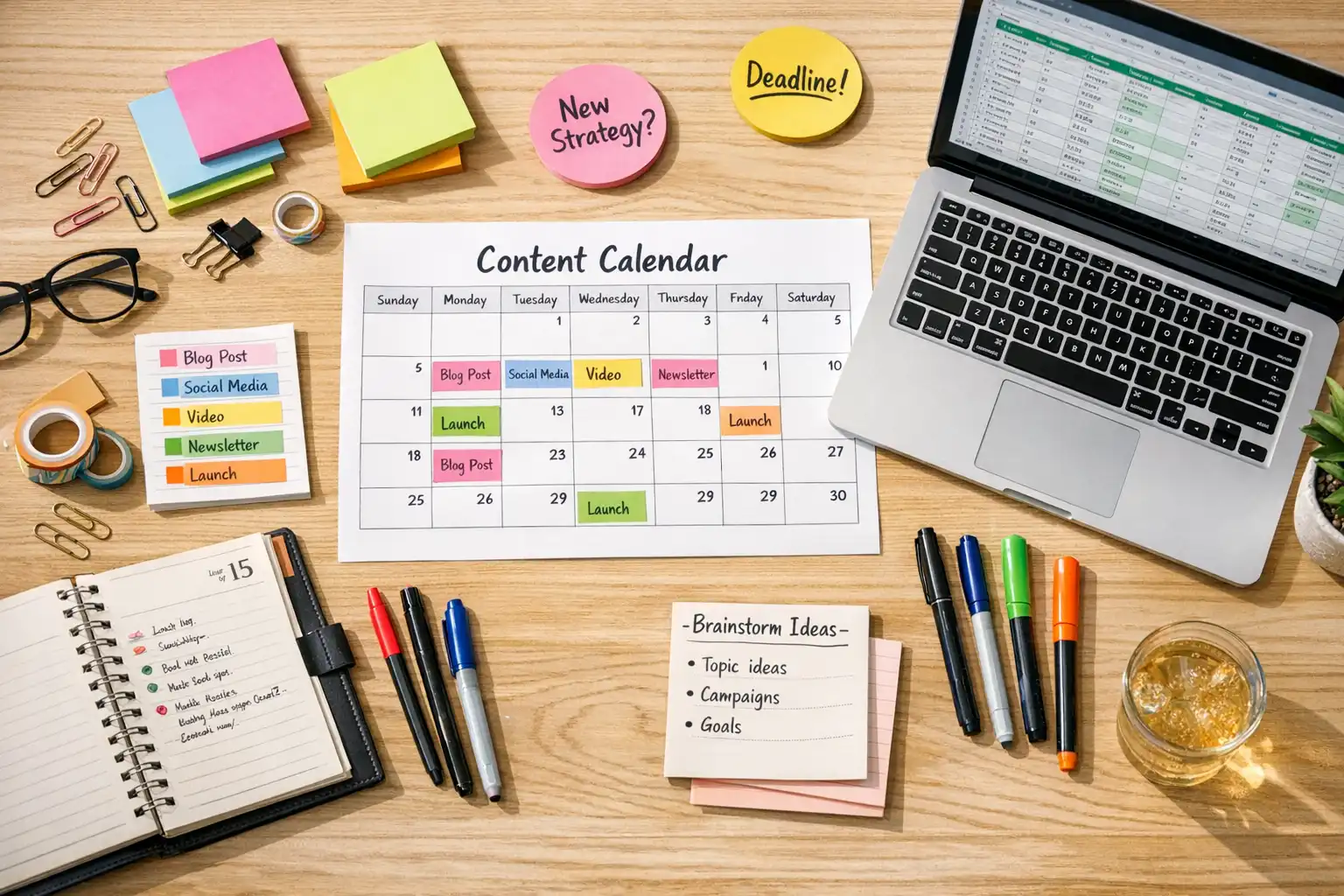
A Facebook content calendar template transforms chaotic, improvised posting into strategic, intentional content creation. Instead of staring at a blank screen wondering what to post, you work from a plan that ensures consistency, variety, and alignment with your goals. This guide shows you how to build and use a content calendar that actually works.
Many creators try content calendars but abandon them because the templates feel too rigid or the process seems tedious. The solution isn’t avoiding calendars—it’s building one designed for how you actually work. A good Facebook content calendar template should reduce stress, not add to it.
Why Content Calendars Transform Facebook Strategy
Before diving into templates and setup, understanding why calendars matter helps you commit to using one consistently.
Content calendars solve the “what should I post?” problem that derails so many creators. When you sit down to publish with no plan, you rely on inspiration in the moment. Sometimes inspiration strikes; often it doesn’t. You either post mediocre content or don’t post at all. Both outcomes hurt your Facebook presence.
A calendar means you never face a blank page. When posting time arrives, you have a plan. Maybe you adjust the specific content based on current events, but you know the general direction—what topic, what format, what call to action. That starting point eliminates the paralysis that causes inconsistency.
Calendars also reveal gaps and imbalances you wouldn’t notice otherwise. When content lives only in your head, you might think you’re posting diverse content—but looking at a calendar might show you’ve posted product promotions five times in a row with no educational or entertaining content. Visual planning makes patterns obvious.
Finally, calendars enable strategic timing. You can plan content around important dates, coordinate with product launches or events, and ensure you’re not publishing similar posts back-to-back. This strategic layer is impossible when posting spontaneously.
Choosing the Right Calendar Format
Content calendars can take many forms, each with trade-offs. The best format is the one you’ll actually use consistently.
Spreadsheets offer maximum flexibility with minimal cost. Google Sheets or Excel let you design columns for exactly the information you need—post date, content type, caption draft, media status, publication status, and any custom fields your workflow requires. Spreadsheets are accessible from any device, easy to share with team members, and infinitely customizable. The downside is they require manual setup and don’t integrate directly with Facebook’s publishing tools.
Dedicated calendar apps like Notion, Trello, or Airtable provide more visual interfaces. You see posts as cards on a calendar or board, drag them between dates, and add rich formatting to each entry. These tools feel more modern than spreadsheets but have steeper learning curves and sometimes require paid plans for full features.
Platform-native tools like Meta Business Suite’s Content Planner show your scheduled Facebook posts on a calendar view. This approach integrates directly with publishing—what you see in the calendar is exactly what’s scheduled. The limitation is that you can only plan what you’ve already created and scheduled; it’s less useful for long-term planning before content is produced.
Many creators use a combination: a spreadsheet or planning app for long-term content strategy, then Meta Business Suite for execution once content is created and scheduled.
Essential Elements of Your Calendar
Regardless of format, effective content calendars include certain key information for each planned post.
The publication date and time anchors everything else. Even if you’re planning weeks ahead and don’t know exact timing, noting target dates helps visualize your posting cadence and prevents accidental gaps.
Content type or format helps ensure variety. Track whether each post is an image, video, Reel, Story, link share, or text-only post. Looking at your calendar should immediately show whether you’re mixing formats or accidentally repeating the same type constantly.
Topic or theme category lets you verify diverse subject matter. If your account covers multiple topics—say, products, industry news, and behind-the-scenes content—tracking which category each post falls into prevents overloading any single theme.
Draft content or caption notes capture your actual message. This might be a complete caption ready to copy-paste, or just bullet points you’ll expand later. Having something written during planning means you’re not starting from scratch at posting time.
Media status indicates whether visual assets are ready. Note whether photos or videos are complete, in progress, or not yet started. This production tracking prevents scheduling posts before content is actually ready.
Publication status shows where each piece stands. Planned, in progress, scheduled, published—tracking status keeps you oriented when managing multiple posts in various stages of completion.
| Calendar Element | Purpose | Example Values |
|---|---|---|
| Date/Time | When to publish | Feb 18, 2026 at 10:00 AM |
| Content Type | Format variety | Reel, Photo, Story, Link |
| Topic Category | Subject diversity | Product, Education, Behind-scenes |
| Caption Draft | Message content | “New feature launch…” |
| Media Status | Production tracking | Not started, In progress, Complete |
| Publication Status | Workflow stage | Planned, Scheduled, Published |
Building Your First Content Calendar
Start simple. An overcomplicated calendar becomes a burden rather than a help. You can always add complexity later once basic habits are established.
Begin by choosing your posting frequency. How many times per week will you publish to Facebook? Be realistic about your capacity. Three quality posts weekly beats seven mediocre ones. Pick a sustainable number and commit to it.
Next, identify your content pillars—the three to five main themes or categories your posts will cover. For a fitness coach, pillars might include workout tips, nutrition guidance, motivation, client transformations, and personal updates. Every post should fit at least one pillar.
Allocate posts across your pillars to ensure balance. If you’re posting five times weekly with five pillars, you might aim for one post per pillar each week. If you post less frequently, rotate through pillars over longer periods. The goal is preventing any single theme from dominating or being neglected.
Now map specific dates. Starting with the current week, fill in your calendar with post dates and assign a pillar to each slot. You’re not writing content yet—just establishing what type of content goes where.
With dates and themes established, begin drafting content. Work a week or more ahead so you’re never scrambling for same-day posts. Write captions, gather or create media, and move each post through your workflow stages until it’s ready to schedule.
Integrating Your Calendar with Scheduling
A content calendar is a planning tool; scheduling tools handle execution. Connecting them smoothly makes your workflow efficient.
The simplest workflow involves weekly scheduling sessions. Once per week, open your content calendar and your scheduling tool side by side. Work through upcoming posts, creating scheduled entries in Meta Business Suite or your scheduling platform for each calendar item that’s production-ready.
As you schedule each post, update your calendar’s status to “Scheduled.” This prevents double-scheduling and shows you exactly what’s already queued versus still pending.
After posts publish, update status to “Published.” Some creators also note performance metrics on their calendar—engagement rates or reach—to identify which types of content resonate. This data informs future planning.
If you use a scheduling tool that offers its own calendar view, you might consolidate everything there. Meta Business Suite’s Content Planner can serve as both planning and scheduling tool, though it only shows 29 days ahead. For longer-term planning, maintain a separate calendar for strategy while using platform tools for execution.
Adapting Your Calendar to Real Life
The best content calendars flex when circumstances change. Rigid plans break; adaptable plans persist.
Build in buffer content—evergreen posts that work any time and can fill gaps when planned content falls through. If you can’t complete Tuesday’s planned Reel, slotting in a pre-prepared evergreen post maintains your publishing cadence.
When major news or events occur, be willing to adjust. If something significant happens in your industry, pivoting to timely content may serve your audience better than sticking with preplanned posts. Your calendar is a guide, not a contract.
Review and update your calendar regularly. A weekly review—perhaps during your scheduling session—lets you adjust upcoming content based on recent performance, audience feedback, and changing priorities. Calendars that never evolve become stale and disconnected from reality.
Accept imperfection. You won’t follow your calendar perfectly, and that’s fine. The goal is to post more consistently and strategically than you would without a calendar—not to achieve perfect adherence. Some flexibility is healthy.
Conclusion
A Facebook content calendar template is the foundation of consistent, strategic posting. By planning ahead—mapping dates, themes, and content—you transform random posting into intentional communication that builds audience connection over time.
Start simple with a basic spreadsheet or planning tool, establish your posting rhythm and content pillars, and develop the habit of planning before posting. As the process becomes natural, add complexity that serves your needs. The goal isn’t a perfect calendar but a sustainable system that keeps you posting consistently.
For comprehensive guidance on Facebook scheduling and publishing, see our complete guide on how to schedule Facebook posts.
Frequently Asked Questions
How far ahead should I plan my content calendar?
Planning two to four weeks ahead works well for most creators. This provides enough lead time for content production without planning so far ahead that posts become outdated. Major campaigns or product launches might warrant longer-term planning, but day-to-day content works best with a rolling few-week window.
Should I plan exact captions in advance or just topics?
Either can work, depending on your style. Planning exact captions means less work at posting time but creates rigidity. Planning just topics allows more flexibility but requires more effort when scheduling.
How do I handle content calendar for multiple Facebook Pages?
Create separate tabs, sections, or views for each Page within your calendar system. Color-coding by Page helps visualize activity across accounts. If you're using team collaboration tools, ensure responsible team members have access to appropriate sections.
What if I run out of content ideas?
Review your content pillars—are there angles you haven't explored? Look at past high-performing posts for inspiration. Check industry news, audience questions, or competitor content for ideas.
Can I use the same calendar for Facebook and other platforms?
Yes, many creators maintain one unified social media calendar covering all platforms. Add a "Platform" column to track where each post goes. Some content works cross-platform; other content might be platform-specific.