Best Pinterest Scheduler: Tools Compared for 2026
Compare the best Pinterest scheduling tools for creators and businesses. Features, pricing, and recommendations to find the right Pinterest scheduler.
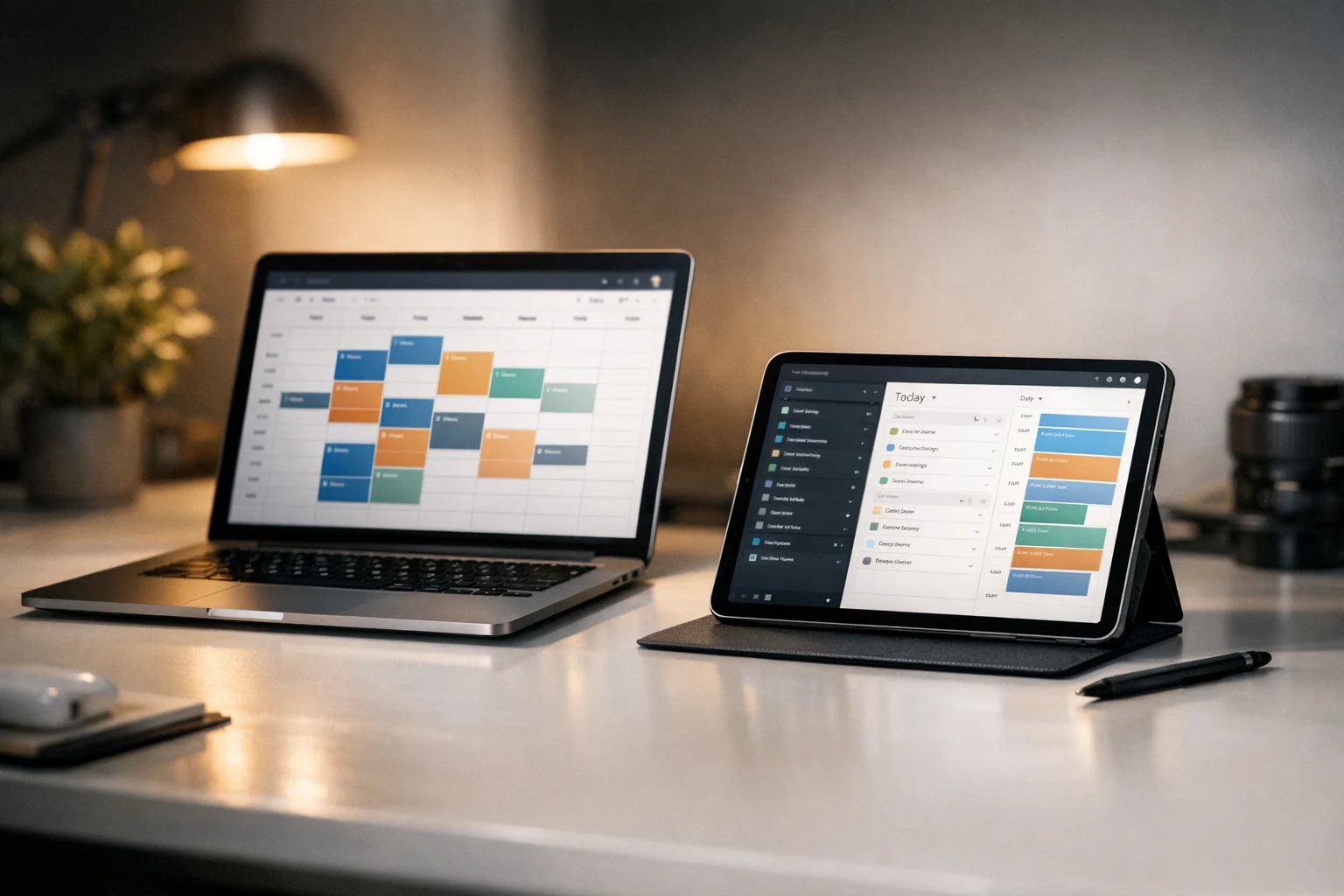
Pinterest’s native scheduling has significant limitations—only 10 pins queued, 30-day maximum, no bulk uploads. For serious Pinterest marketing, you need a best Pinterest scheduler that removes these constraints and adds features that make visual content management practical at scale.
This guide compares scheduling tools available in 2026, examines the features that matter most, and helps you identify the right solution for your specific needs.
Why Use a Third-Party Pinterest Scheduler?
Before comparing tools, understand what you gain beyond Pinterest’s native capabilities.
Pinterest’s built-in scheduling offers a maximum of 10 scheduled pins at once, a 30-day scheduling horizon, individual pin scheduling only without bulk options, no optimal time suggestions, and limited analytics integration. For light users, native scheduling works. For anyone serious about Pinterest as a traffic or marketing channel, these limits create friction.
Third-party schedulers typically provide expanded capacity with the ability to queue hundreds or thousands of pins along with bulk operations to upload and schedule multiple pins simultaneously. Smart scheduling uses algorithm-driven optimal timing suggestions while visual planning through calendar and queue views supports content planning. Analytics go beyond Pinterest’s basic metrics, multi-account support lets you manage multiple Pinterest accounts, and cross-platform capabilities handle Pinterest alongside other social networks.
Key Features to Evaluate
When comparing Pinterest schedulers, evaluate tools across several capability categories.
Scheduling flexibility matters most for active accounts. Unlimited queuing lets you schedule as many pins as you need. Long-term scheduling allows planning months ahead for seasonal content. Interval pinning automatically spaces pins throughout the day. Board-level scheduling lets you target specific boards with scheduled pins.
Content management capabilities determine your daily efficiency. Bulk upload allows uploading dozens of pins at once with CSV or media imports. A media library stores and organizes your pin graphics. Template systems create reusable pin formats. UTM tracking automatically adds tracking parameters to links for analytics.
Timing intelligence helps maximize the impact of each pin. Optimal times analysis examines your data to suggest the best posting times. Queue slots let you define time slots that pins automatically fill. Timezone handling converts times for global audiences correctly.
Analytics and insights inform your ongoing strategy. Performance tracking shows which pins drive clicks, saves, and engagement. Board analytics help you understand which boards perform best. Growth metrics track follower and engagement trends over time. Export capabilities let you download data for external analysis.
User experience determines whether you’ll actually use the tool consistently. Interface quality affects whether the tool is intuitive and efficient. Mobile access lets you schedule from mobile devices. Collaboration supports team access and approvals. Reliability ensures scheduling actually works without failures.
Tool Categories
Pinterest schedulers fall into distinct categories, each with different strengths.
Pinterest-specialized tools focus primarily or exclusively on Pinterest. Their strengths include deep Pinterest feature integration, Pinterest-specific workflows, and development often by Pinterest insiders or experts. The consideration is that they may not help if you need multi-platform scheduling. These tools understand Pinterest’s nuances—board organization, pin formats, search optimization—better than general-purpose alternatives.
Multi-platform schedulers are general social media management tools that include Pinterest. Their strengths include a unified dashboard for all platforms, consistent workflow, and efficiency for managing multiple channels. The consideration is that Pinterest features may be less developed than specialized tools. If Pinterest is one of several platforms you manage, an integrated solution reduces tool switching.
Automation and workflow tools connect Pinterest to broader automation systems. Their strengths include flexible workflows, integration with other business tools, and custom automation capabilities. The consideration is that they require more setup and technical comfort. These work well when Pinterest is part of a larger content ecosystem with blogs, e-commerce, or other systems.
Evaluating Your Needs
Before choosing a tool, clarify your requirements across several dimensions.
Volume assessment considers how many pins you publish. Light users publishing 1-5 pins daily may find that native scheduling or basic tools suffice. Moderate users publishing 5-15 pins daily gain meaningful efficiency from mid-tier scheduling tools. Heavy users publishing 15 or more pins daily will find full-featured schedulers essential for maintaining their workflow.
Platform scope depends on where else you post. If you focus on Pinterest only, Pinterest-specialized tools make sense. For a few platforms, multi-platform tools can consolidate workflows effectively. For many platforms, comprehensive social management suites reduce complexity significantly.
Feature priority depends on what matters most to you. If bulk upload is critical, evaluate batch processing capabilities carefully. If analytics drive your decisions, look for deep performance insights. If automation is your goal, consider workflow integration options. If team access matters, prioritize collaboration features.
Budget considerations must be realistic for your situation. Some tools offer limited free tiers if you need free access to start. A moderate budget of $15-50 per month unlocks most features for typical users. Enterprise tools provide maximum capability with no practical limits for those who need them.
Common Feature Trade-offs
You’ll encounter these common trade-offs when evaluating schedulers.
Simplicity versus power represents the first key trade-off. Simple tools are easy to learn but may limit advanced use cases. Powerful tools handle complex scenarios but require more learning. Start with simpler tools if you’re new to Pinterest scheduling, then graduate to more complex options as your needs evolve.
Pinterest depth versus multi-platform coverage is the second major consideration. Pinterest-specialized tools understand the platform deeply while multi-platform tools offer convenience at the cost of Pinterest-specific sophistication. If Pinterest is your primary platform, specialized tools may serve you better. If it’s one of several equal priorities, multi-platform efficiency may matter more.
Price versus capability is the final trade-off to consider. Free plans have limits while paid plans unlock features. Enterprise pricing provides white-glove service but at significant cost. Free trials and lower-tier paid plans let you evaluate before committing. Avoid enterprise pricing unless your scale genuinely requires it.
Integration Considerations
Modern schedulers connect to broader ecosystems through various integrations.
Design tool integration determines whether you can import directly from Canva, Adobe, or other design tools. This capability speeds the creative-to-publishing workflow significantly by eliminating manual export and import steps.
E-commerce integration matters if you sell products. Integration with Shopify, WooCommerce, or other platforms can automate product pin creation, ensuring your catalog stays current on Pinterest without manual intervention.
Content management integration connects your scheduler with your blog, CMS, or content calendar. Automated workflows between these systems save significant time and ensure Pinterest content aligns with your broader publishing schedule.
Analytics platform integration allows exporting data to Google Analytics, spreadsheets, or BI tools for deeper analysis. This becomes important as your Pinterest presence grows and you need to connect Pinterest performance to business outcomes.
Beyond Scheduling: Complementary Features
Some schedulers include features beyond basic scheduling that add value.
Pin design tools with built-in editors let you create pins without external tools. These are useful for quick creation, though dedicated design software offers more power for complex visuals.
AI assistance features offer AI-generated pin descriptions, hashtag suggestions, or design recommendations. Quality varies across tools, but these features can accelerate content creation when they work well.
Hashtag and keyword research capabilities matter because Pinterest is search-driven. Tools that help with keyword research and hashtag selection improve discoverability and extend the reach of your pins.
Competitor monitoring helps you understand what works for competitors, which informs your strategy. Some tools include competitive analysis features that show trending content in your niche.
Making Your Decision
Use this framework to choose the right Pinterest scheduler for your needs.
Start by listing your requirements. Write down your must-haves, nice-to-haves, and don’t-needs. Be honest about what you’ll actually use versus what sounds good in marketing materials.
Next, match your requirements to a category. Based on what you need, identify whether you should prioritize a Pinterest-specialized tool, a multi-platform scheduler, or an automation-focused solution.
Then trial before committing. Most tools offer free trials or free tiers. Use these to test whether the interface works for your workflow, whether features function as advertised, whether the tool is reliable, and whether support responds helpfully when you have questions.
Finally, start small and evaluate. Begin with a lower tier and evaluate over 1-2 months. Upgrade if you hit limits; downgrade or switch if you’re paying for unused capacity.
Setting Up Your Chosen Scheduler
Once you’ve selected a tool, optimize your setup for maximum efficiency.
Account connection begins with creating your scheduler account, then connecting your Pinterest business account or accounts. Grant necessary permissions and verify your boards are accessible before proceeding.
Queue configuration defines how your content flows. Set your posting schedule with specific time slots, configure default boards for different content types, set up UTM parameters if using tracking, and create any approval workflows needed for team collaboration.
Content upload gets your existing material into the system. Import your existing pin graphics to the media library, create your first batch of scheduled pins, review the queue for accuracy, and test with a few pins before scaling up to full volume.
Monitoring setup ensures ongoing success. Configure analytics dashboards to track the metrics that matter, set up alerts or notifications for issues, plan regular review intervals, and document your workflow for consistency as you scale.
Workflow Best Practices
Maximize your scheduler’s value through effective workflow practices.
Batch creation produces better results than one-at-a-time work. Create pins in focused sessions rather than individually. Design 10-20 pins in a sitting, then schedule them all together. This approach lets you maintain creative flow while building content buffer.
Content calendar integration keeps Pinterest aligned with your broader strategy. A content calendar approach ensures Pinterest stays integrated with other marketing efforts rather than becoming an isolated activity.
Regular review keeps your Pinterest presence healthy. Check your scheduler weekly to confirm the queue is filling as expected, verify pins are publishing correctly, review what performance data shows, and identify adjustments you should make.
Quality maintenance prevents scheduling from becoming a quantity game at the expense of effectiveness. Review pins before scheduling, don’t schedule content just to fill slots, and monitor engagement to guide adjustments. Scheduling makes it easy to prioritize quantity, but quality standards must be maintained for results.
When to Switch Tools
Consider switching schedulers when circumstances change significantly.
Outgrowing your current tool happens when volume needs exceed capacity or you need features your current tool doesn’t offer. Key features missing can block your workflow if your approach requires capabilities the tool lacks. Reliability issues like pins failing to publish or platform instability undermine the entire purpose of scheduling. Better alternatives emerge constantly as the market evolves. Cost-value mismatch occurs when you’re paying for features you don’t use, or free alternatives meet your needs equally well.
Give any tool 2-3 months before judging. Initial learning curves can obscure long-term value.
Frequently Asked Questions
Is Pinterest's native scheduling good enough?
For light users with fewer than 10 scheduled pins and short planning horizons, native scheduling works. For serious Pinterest marketing, third-party tools add essential capabilities.
Do I need a Pinterest-specific tool or multi-platform scheduler?
If Pinterest is your primary platform, specialized tools often provide better features. If you manage multiple platforms equally, consolidated tools reduce complexity.
How much should I expect to pay?
Free tiers exist but limit features. Budget $15-50 per month for solid mid-tier capabilities. Enterprise pricing makes sense only at significant scale.
What's the most important feature in a Pinterest scheduler?
Bulk uploading and smart scheduling tend to deliver the most value. The ability to schedule many pins efficiently and post at optimal times drives results.
Can scheduling tools help with Pinterest analytics?
Yes, and for many users this is one of the primary benefits beyond scheduling itself. Most schedulers include analytics beyond Pinterest's native insights, showing performance trends, best-performing content, and optimization suggestions. These insights help you understand which pins drive engagement and adjust your strategy accordingly.
Will using a scheduler affect my Pinterest account negatively?
No, there is no penalty for using legitimate third-party tools. Pinterest explicitly allows third-party tool access through its API and has built this integration capability intentionally. Using authorized scheduling tools poses no risk to your account standing or visibility in the algorithm.
How do I know if a scheduler is right for me?
The best approach is to use free trials with your actual content and workflow before committing to a paid plan. Evaluate over 2-4 weeks to get a realistic sense of how the tool fits your process, then make a decision based on that experience rather than marketing promises. For a comprehensive look at scheduling mechanics on Pinterest, see our complete Pinterest scheduling guide.