Troubleshooting Facebook Link Previews - FAQ for BrandGhost Users
Facebook Posts have some quirks when handling links, and we’re here to help you resolve them
Troubleshooting Facebook Link Previews - FAQ for BrandGhost Users
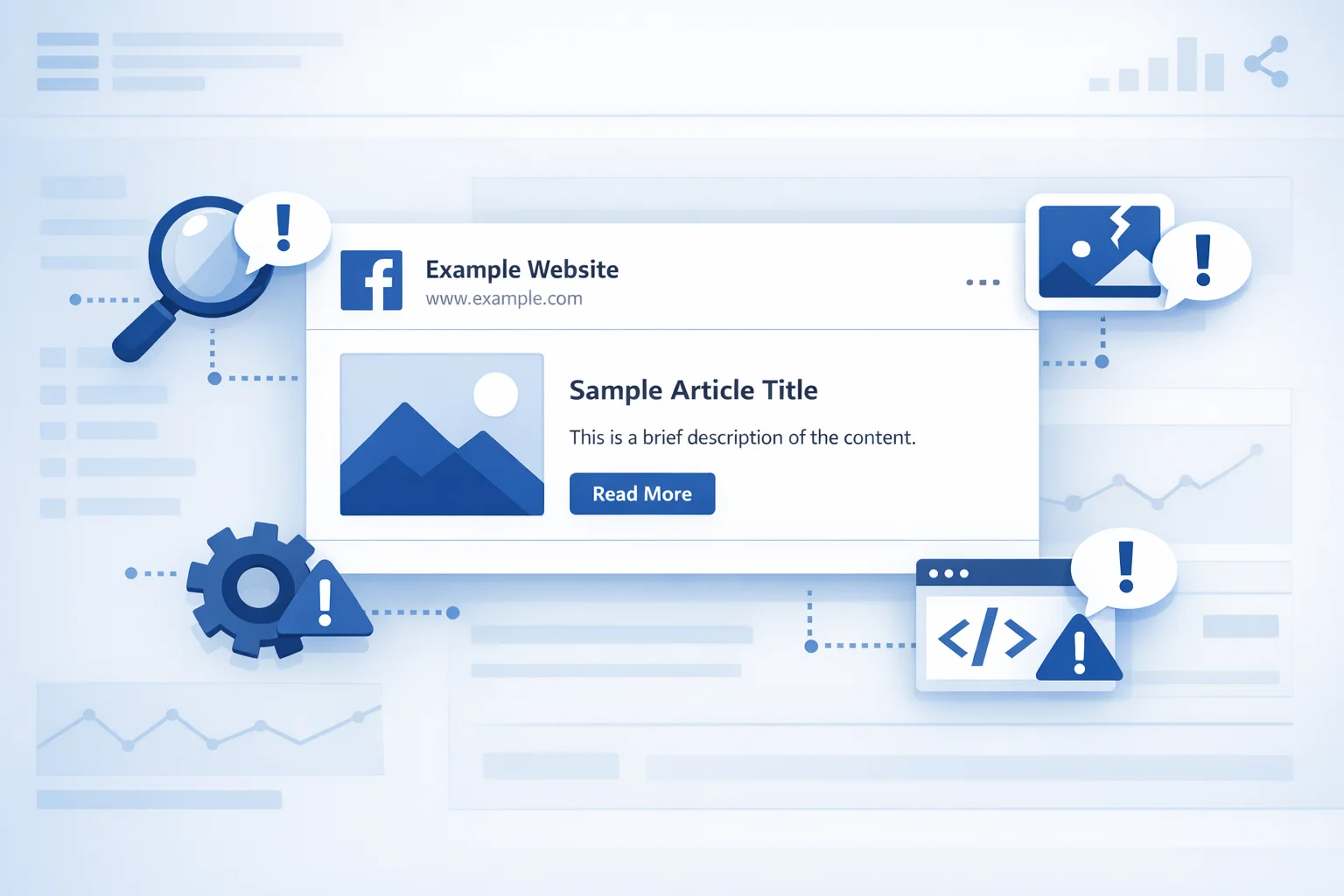
Are your Facebook posts missing link previews when posting via BrandGhost? You’re not alone! Facebook’s API has some quirks when handling links, and we’re here to help you resolve them. Below are the most common questions and solutions.
Why isn’t my Facebook post showing a link preview?
When posting a link to Facebook via the API, Facebook needs to scrape the URL to generate a preview. If the preview isn’t appearing, it could be due to:
-
Missing or incorrect Open Graph meta tags on your website.
-
Facebook not scraping the URL before posting.
-
Issues with your Facebook Page’s settings or permissions.
-
A caching issue on Facebook’s side.
How can I check if my link has the right Open Graph meta tags?
Facebook relies on Open Graph (OG) meta tags to generate previews. To ensure your page is properly set up:
-
Open the Facebook Sharing Debugger
-
Enter your URL and click Debug.
-
If you see errors or missing tags, update your website’s <head> section with the following tags:
1
2
3
4

<meta property="og:title" content="Your Page Title" />
<meta property="og:description" content="A brief description of your page." />
<meta property="og:image" content="https://yourdomain.com/image.jpg" />
<meta property="og:url" content="https://yourdomain.com" />
- After updating, click Scrape Again in the Sharing Debugger to refresh Facebook’s cache.
Keep Posting!
By following these troubleshooting steps, you can ensure your Facebook posts look great and drive engagement. Keep creating and sharing with confidence using BrandGhost!
Frequently Asked Questions
Why isn't my Facebook post showing a link preview when posted via BrandGhost?
Facebook needs to scrape the URL to generate a preview. Missing Open Graph meta tags, caching issues, or incorrect page permissions are the most common causes.
What are Open Graph meta tags and why do they matter for Facebook?
Open Graph tags in your page's HTML tell Facebook what title, description, and image to display in a link preview. Without them, Facebook cannot generate a rich preview card.
How do I fix a missing link preview on Facebook?
Use Facebook's Sharing Debugger to check your URL for Open Graph errors, add or correct the og:title, og:description, og:image, and og:url tags, then click Scrape Again to refresh the cache.
Does BrandGhost control how Facebook renders link previews?
No—link preview rendering is entirely controlled by Facebook based on the Open Graph tags present on the linked page. BrandGhost submits the post; Facebook decides how to display the preview.